Wagtail Sites for a Photographer and a Pharmacist
Two Django and Wagtail sites, each run by one person who wanted to manage the content without calling a developer. One is a photographer's portfolio, built from scratch as a single-page app in plain JavaScript. The other is a free database of clinical guidelines that needed updates and more flexible editing, so I upgraded it and moved the content onto Wagtail CMS.
The owner runs the site
Neither site has a developer on staff, so for most feature requests my first question was: can the owner control this from the admin?
| need | built as |
|---|---|
| orange hover on every photo | a bulk action that assigns a colour category · the grid tint follows the data |
| "Commissioned" and "Personal" sections, hidden projects | project groups, managed in the admin · a project in no group stays live but unlisted |
| photo previews when sharing links | optional share image per page, with an automatic fallback |
| the same text on many pages | reusable snippets with {{placeholder}} references |
| brand colours and footer | site settings with colour pickers · footer as editable blocks |
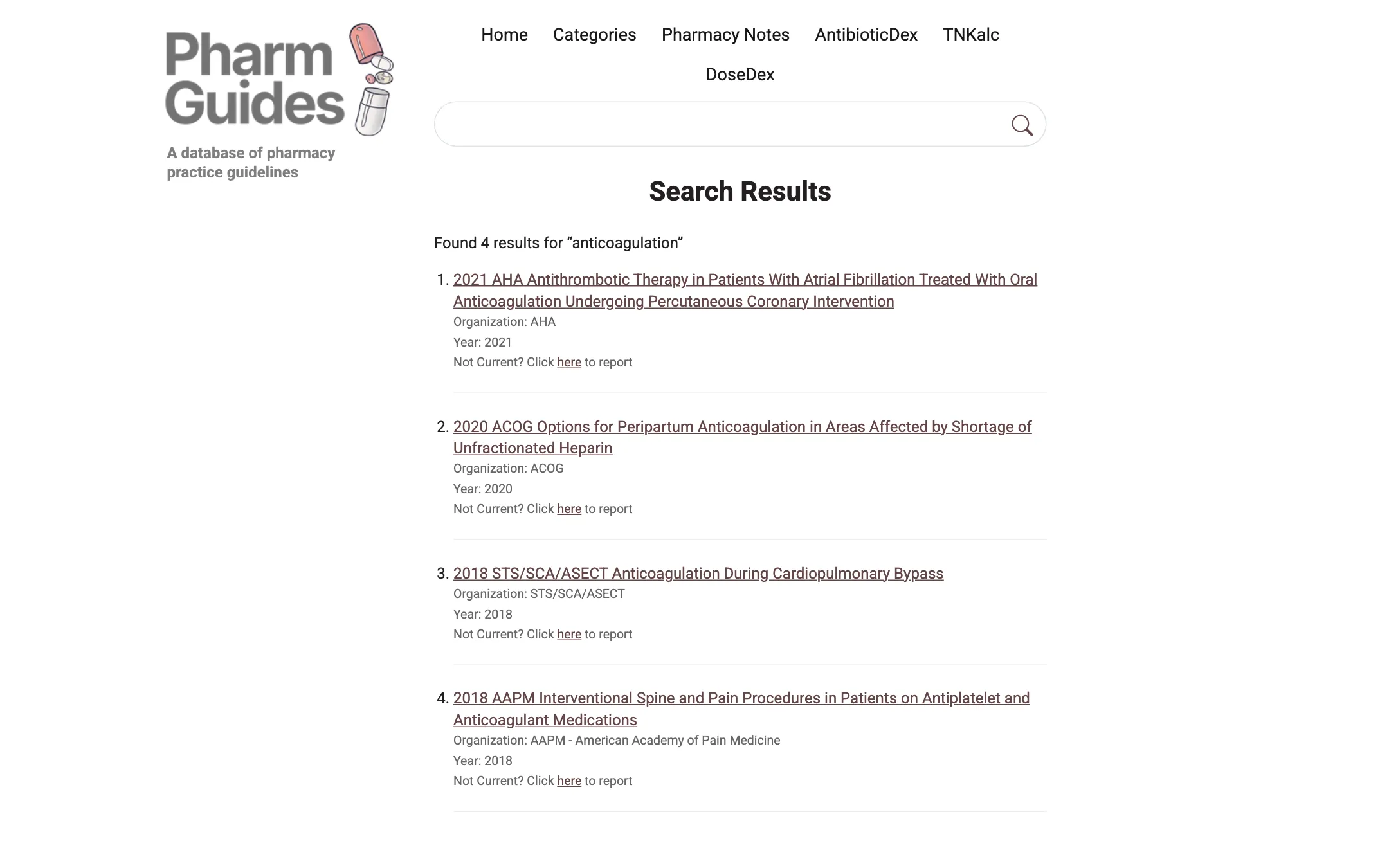
| readers flagging outdated guidelines | a "Not current?" link on every search result, behind a CAPTCHA |
Both sites run in Docker behind Traefik, on DigitalOcean droplets that GitHub Actions deploys to. Each has a staging environment for checking changes before they go live.
A photography portfolio without a frontend framework
The design started as 25 clickable HTML proposals, all sharing one frontend codebase and mock data. The final layout is a mix of two of them. From there it became a single-page app in plain JavaScript: Django serves the same shell for every URL, and the client-side router decides what to show.
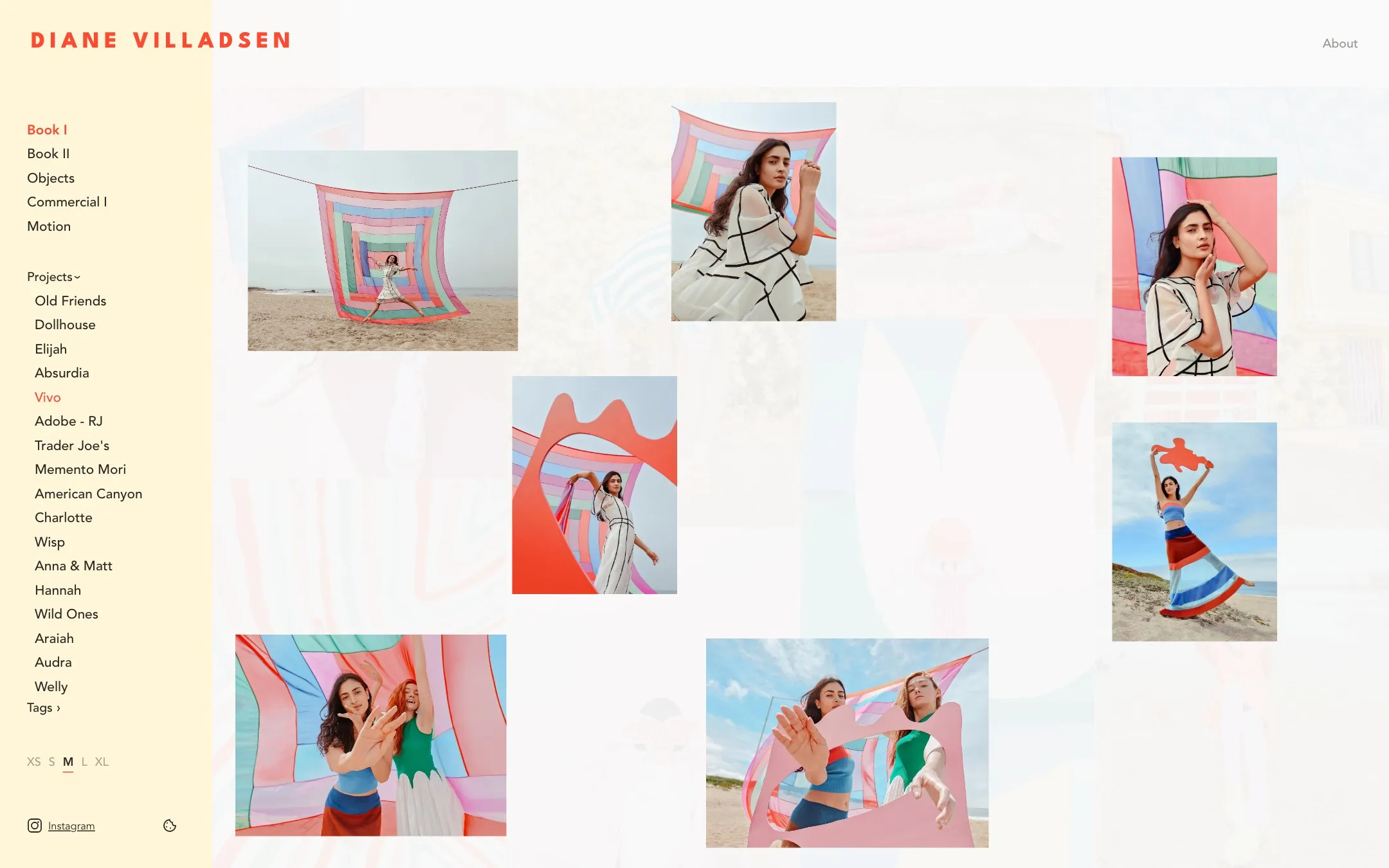
The grid. Tiles are laid out masonry-style, each new one going into the shortest column, and cropped around the photo's focal point. Visitors can pick from five tile sizes (XS to XL), and the choice is remembered. To keep the first load light, thumbnails arrive as per-gallery sprites in chunks, and a tile switches to its own image once it needs more pixels. The lightbox handles video too, and swiping on touch screens.
Project previews. Hovering a project name in the sidebar fades the grid and scatters up to seven of that project's photos over it. The slots are fixed, so a project looks the same every time you hover it, and the owner picks which photos go first. Clicking the name flies those same images into their places in the grid, so nothing loads twice. Previews preload in the background without getting in the way of a fresh hover. They are desktop-only, since touch screens have no hover.
The admin. Photos are grouped into sections and projects, and tagged. Ordering is drag-and-drop. Every upload gets its dominant colour detected and is sorted into colour categories automatically. The matching can be tuned in Settings, and any image can be recategorised by hand.
Links that share well. Each URL gets its own title and share image, rendered on the server, because link-preview crawlers don't run JavaScript. The client-side router keeps them up to date as visitors navigate.
Plus Google Analytics behind an opt-in consent banner, and a sitemap.



Cache invalidation with a single counter
Putting the portfolio data together (all items, sort orders for each gallery, sprite info) is expensive, and the result is the same for every URL. So the server caches it, and separately caches the rendered HTML for each URL. Both cache keys include a version number. Any save in the admin bumps the version, and the old cache entries are never read again. No need to figure out which pages a changed photo appears on.
A timing bug. At first the version was bumped a moment too early, before the save had fully landed in the database. A visitor arriving in that moment triggered a cache rebuild from the old data, and that stale copy then stuck around under the new version. Bumping the version only after the save completes (Django's transaction.on_commit) fixed it.
Small servers. nginx and gunicorn run in one container, and the database is SQLite in write-ahead mode. Large originals get shrunk with vipsthumbnail before the image library opens them, and renditions are generated one at a time.
Sprite rebuilds run in a separate process after each commit. One process per save looked harmless, until a 30-item seed started dozens of Django processes at once and ran a 512 MB instance out of memory. Now only one rebuild runs at a time, and bulk operations just mark galleries as dirty and rebuild once at the end.
Bringing it up to date
A free database of clinical practice guidelines, curated by a pharmacist and online since 2020. When I took it over, the original developer had moved on, and the site was on an outdated Django version with broken TLS, broken search and a spam problem. The main requirement for the rework was that the owner can manage all content without developer help.
Getting it stable. First step was getting the code that was actually running on the server back into git, and into Docker. Then the upgrade to Django 5.2 LTS and Python 3.12. Servers on DigitalOcean are now created and deployed by GitHub Actions workflows, so nobody needs to remember how anything was configured by hand:
| workflow | does |
|---|---|
| prod: up | builds a new production server from scratch · restores the database · moves the reserved IP · carries over the TLS certificate |
| prod: deploy | runs on every push to the prod branch · about two minutes |
| prod: backup / restore | daily database backup · restore of the latest or a chosen backup |
| staging: up / down | a temporary staging server with a copy of production data · password-protected |
| staging: ttl | expired staging servers destroy themselves · lifetime can be extended |
There is also a Playwright end-to-end suite for navigation and search.
Two kinds of content
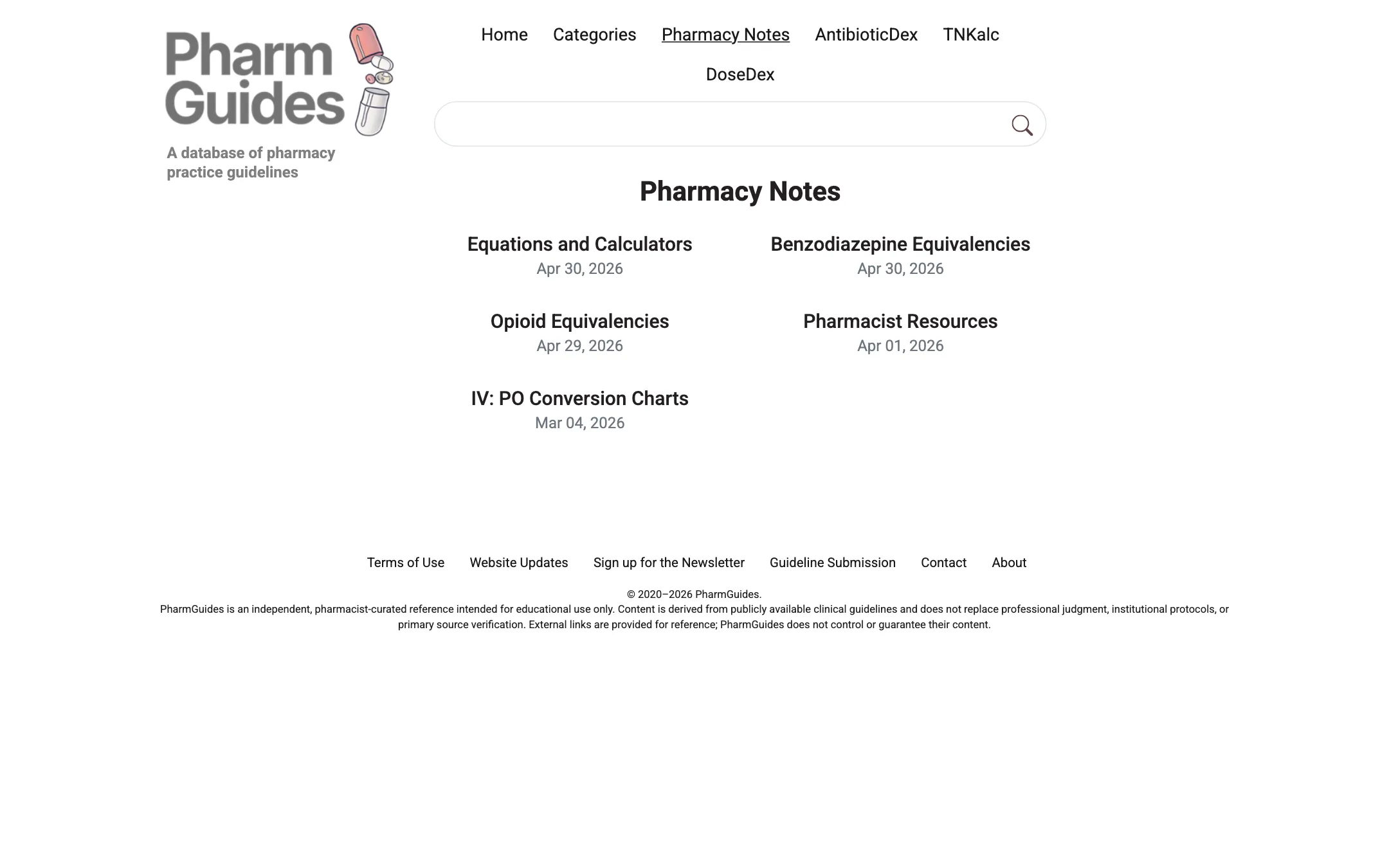
The site has two kinds of content. Guidelines are structured records (title, organisation, year, category, tags, source), so they stayed a Django model. Everything else, like notes and calculators, became Wagtail pages. Both are edited in the same Wagtail admin. A migration script converted the old HTML into Wagtail blocks, keeping raw HTML only where tables and embeds needed it.
Page blocks. Subpage listings (grid or list), filter links, tables with rich-text and merged cells, a guideline submission form, and reusable snippets. Snippets can include other snippets through {{placeholders}} and are rendered in a sandboxed Jinja2 environment. That way a fact that appears on many pages is edited in one place.
The admin. Guidelines get category autocomplete and bulk actions such as export and delete. One search box covers every content type, with a substring fallback for partial words that full-text search misses.
The public side. Search uses PostgreSQL full-text search over the guidelines, newest first. Each result has a "Not current?" link where readers can report outdated guidance, and both that form and the guideline submission form are behind a CAPTCHA. Pages are served from a full-page Redis cache, which swaps in a fresh CSRF token on each hit and gets cleared whenever the owner publishes.