Oil & Gas Production Planning System
A ~4-year engagement taking a prototype into a daily-use planning system for onshore and offshore oil & gas operations — with an admin-configurable UI so the operations team could compose its own dashboards and workflows without touching code.
Plan every day, without waiting on engineering
Onshore and offshore operations teams needed to compose, review, and approve daily production plans. Each site's plan mixes tables, charts, and tabs pulling timeseries from an enterprise data platform — and the shape of those plans shifts as operators refine their workflow. If every tweak has to go through a developer, the backlog becomes the operational bottleneck.
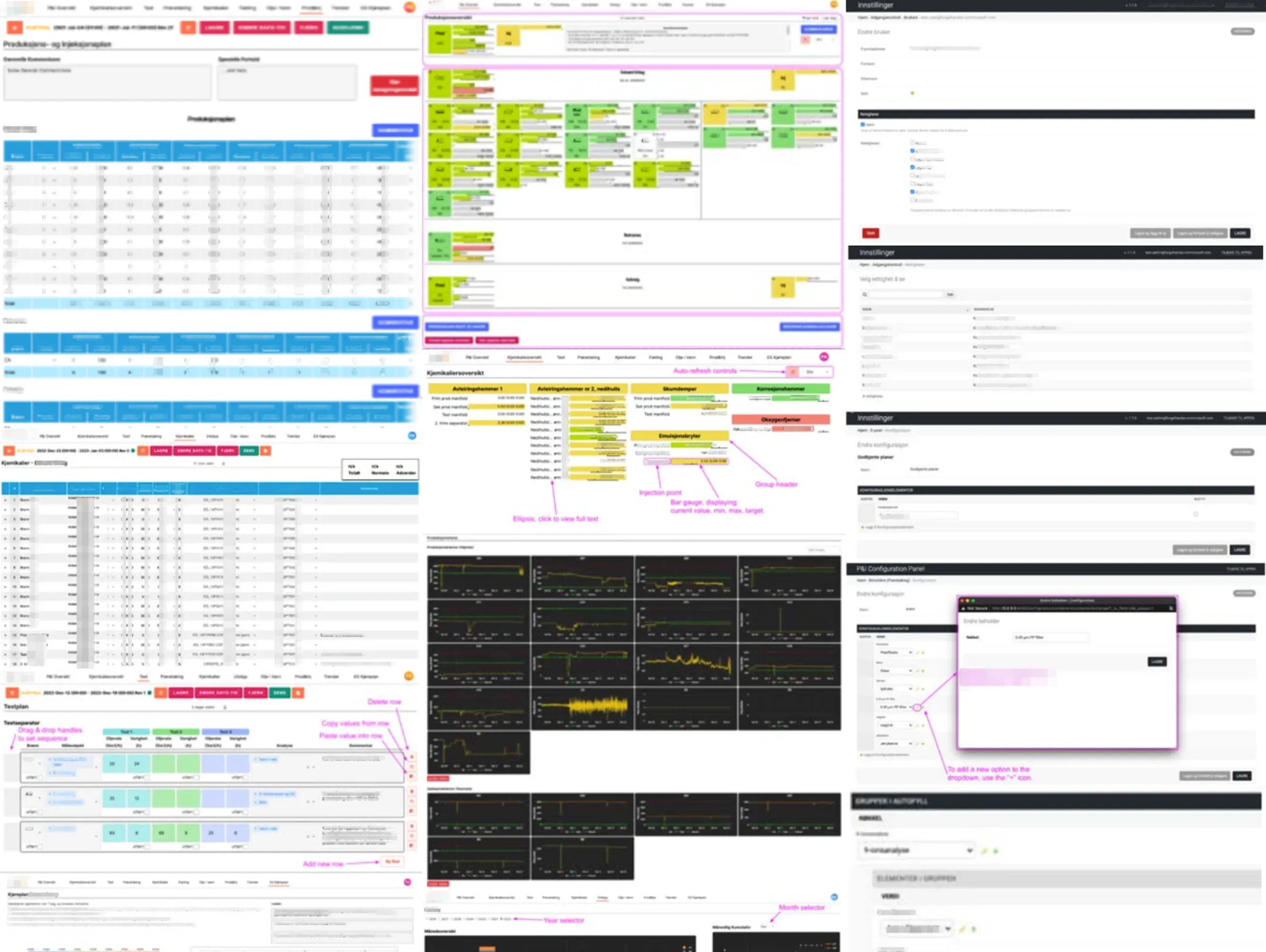
Admin-configurable UI, not hard-coded pages
The key design change was making the UI itself a composition step. Non-developers open an admin panel and assemble tables, charts, tabs, and data connections; the runtime reads that configuration and renders the operator-facing plan view. Turnaround for new or changed workflows stops being a developer bottleneck.
Draft, approved, auditable
Plans don't go live because someone hit save. The system models a lifecycle — draft, review, approved — with explicit state transitions and a full audit trail of what changed, by whom, and when. Storage and scheduled sync flow through the enterprise data platform, so the plan lives in the same place as the operational data it references.
Keeping it shipping through change
I took the system from an early prototype to a mature daily-use application, and supported it through significant organizational change without regressing production. That included leading an infrastructure migration, introducing multi-tenant support, and expanding operational readiness — monitoring, audit logging, and multiple deployment environments.
Alongside the main application I released two supporting libraries used across the team: an open-source Python package for declarative timeseries retrieval, and an internal component library of reusable UI patterns picked up by adjacent projects.