ManageCommand – Django Management Commands Without SSH
My own SaaS: a web dashboard that lets Django teams run, schedule, and audit management commands in production without SSH, cron-with-no-visibility, or standing up Celery just to trigger one command.
Running one command shouldn't require SSH
Django management commands are one of the more powerful parts of the framework, but running them in production usually means one of three bad options: SSH into a box, set up a cron with no visibility into what actually happened, or stand up Celery infrastructure just to trigger a command or two. Each option has its own blast radius; none of them fit a team that wants non-developers to trigger routine jobs safely.
ManageCommand replaces all of that with a pip install and a single line in settings.py.
An outbound-only runner and a hosted dashboard
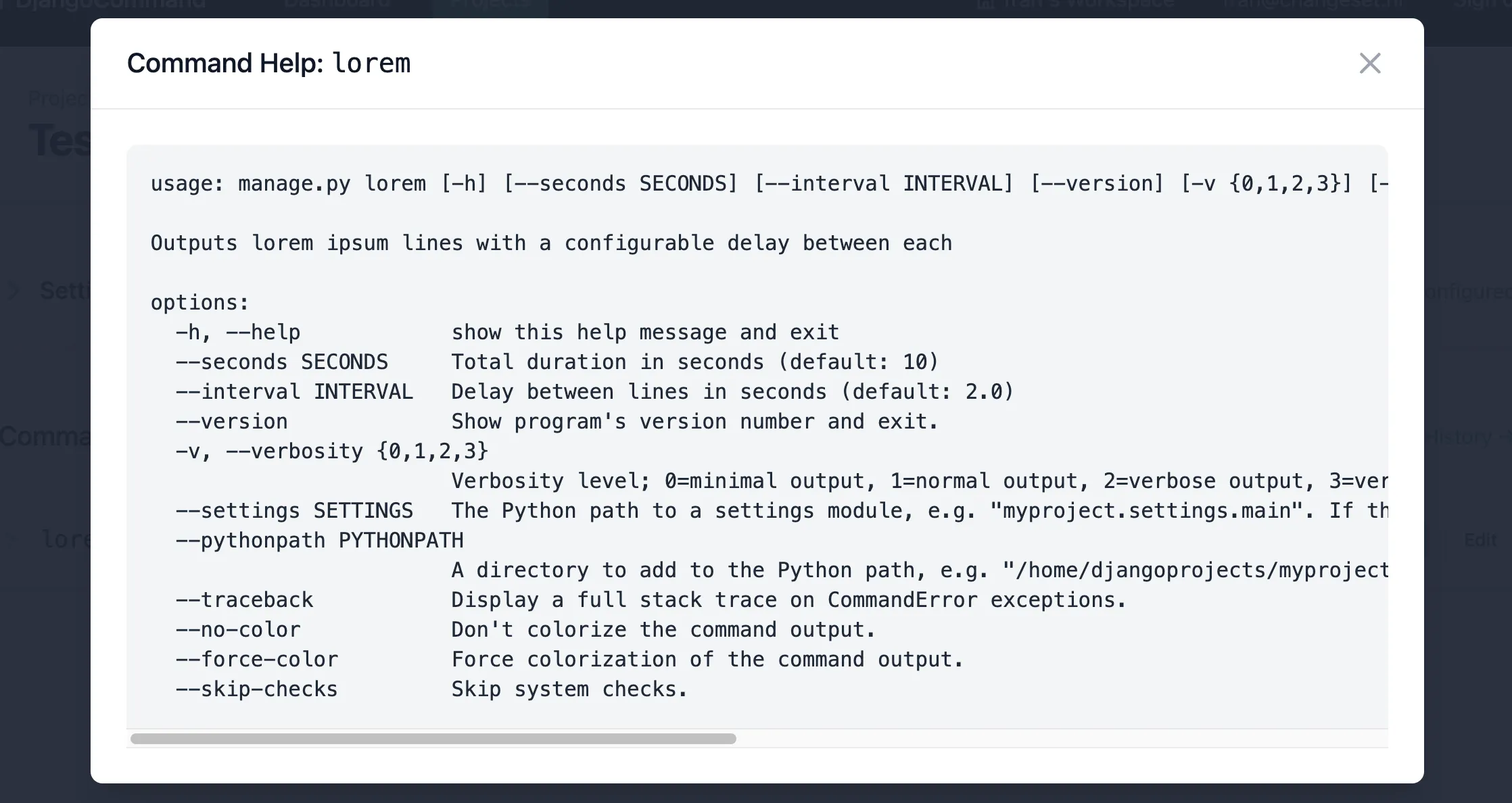
Runner. An open-source Python package published on PyPI that drops into your Django project. It discovers your available management commands, syncs them to the dashboard, and long-polls for executions to run.
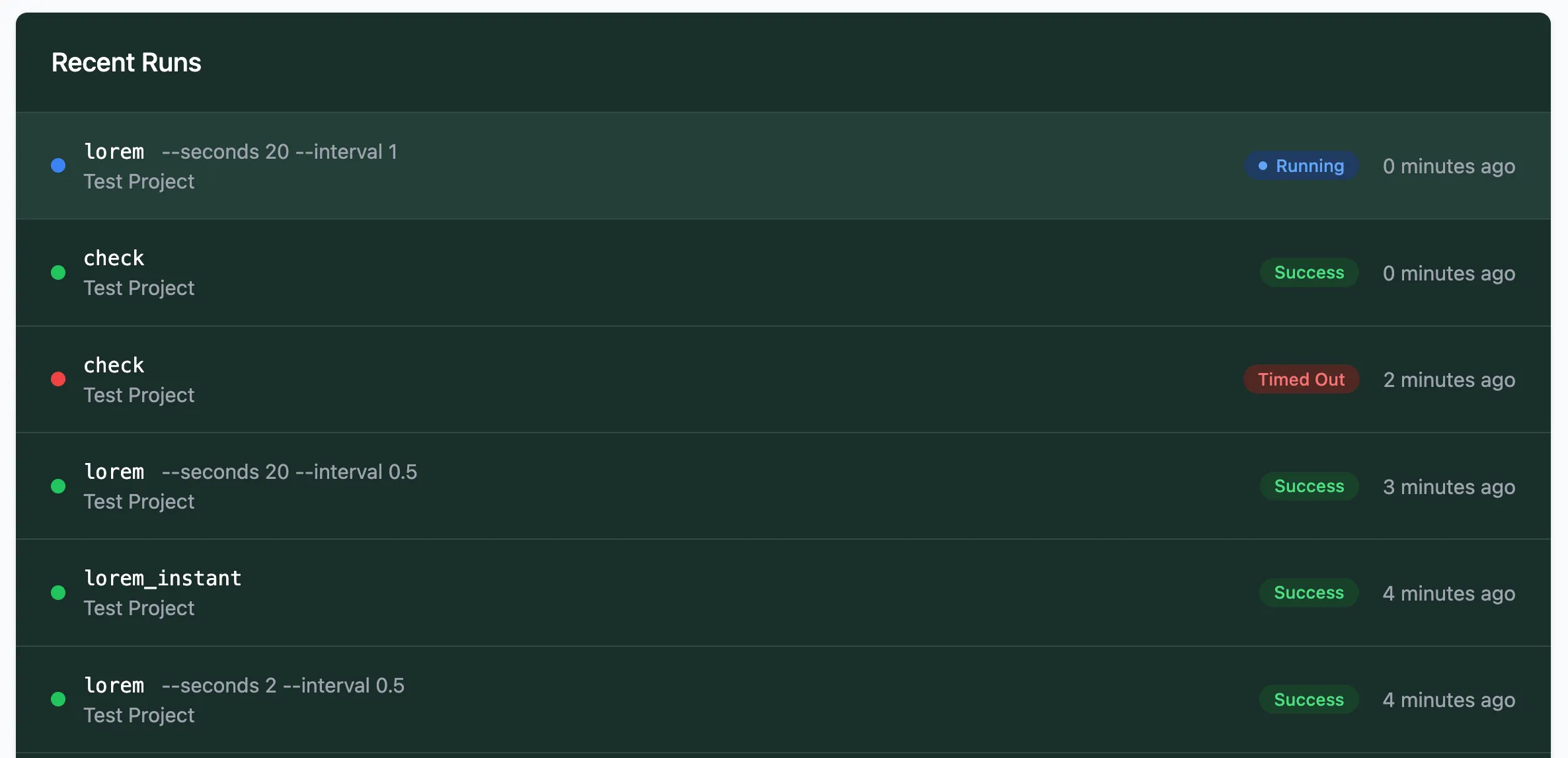
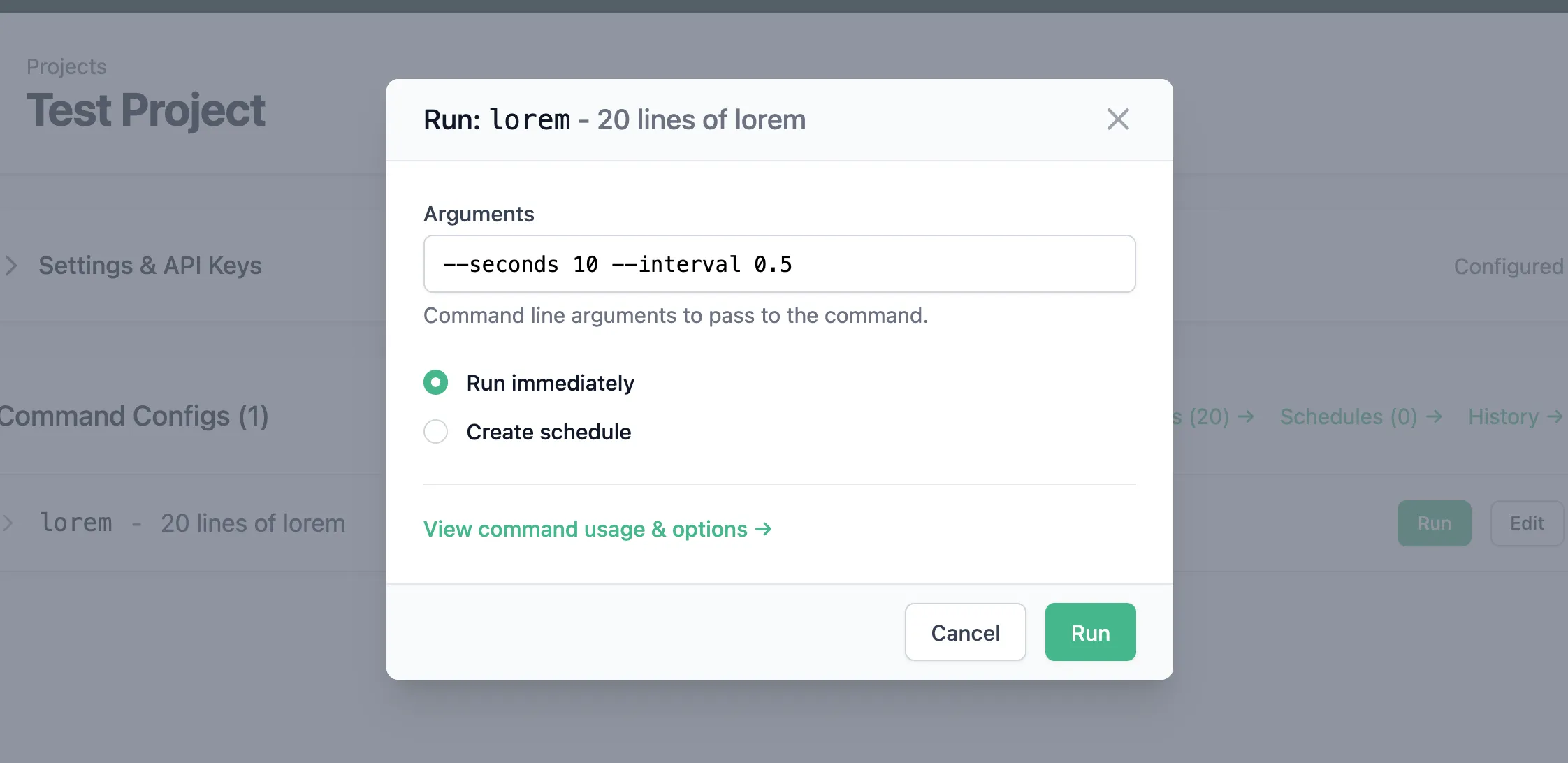
Dashboard. The hosted web application where your team triggers commands, sets up schedules, and reviews execution history — with who ran what, when, with which arguments, and the full output.
Allowlists, not a remote shell
Security was the primary design constraint, not a feature checkbox.
| surface | covers |
|---|---|
| network | outbound HTTPS only · no open ports · no public endpoints on your side |
| execution | only explicitly allowlisted commands · no arbitrary code · no remote shell |
| identity | commands run as the same OS user they already do in your deployment |
| audit | every run logged with user, time, arguments, output, and result |
0 → 1, solo
I designed and built the whole thing end to end: the runner package, the dashboard application, the landing page, pricing, documentation, security model, and the go-to-market. Live at managecommand.com.