commit bb01bf0 2026 AI & automation
Revel Systems MCP – Invoice-to-COGS Automation for Claude Desktop
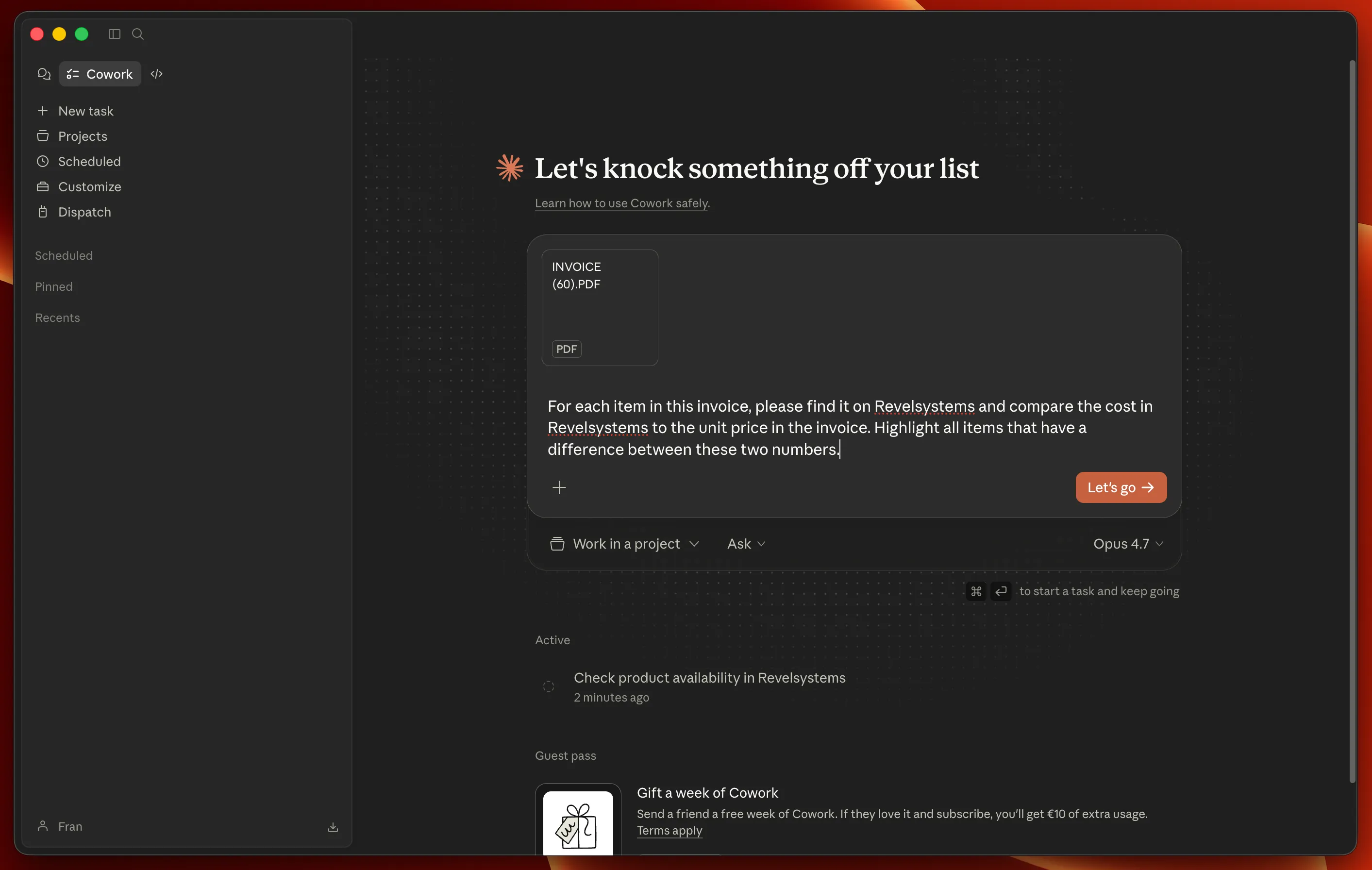
A purpose-built MCP server that lets Claude Desktop read product costs from supplier invoices and push them into a Revel Systems point-of-sale account, turning a tedious, error-prone task that now recurs several times a month into a single agent-driven batch.
Tariff volatility broke a stable workflow
Supplier costs used to be stable for years at a time. Recent tariff volatility now forces cost updates several times a month, and doing that by hand through the Revel UI is tedious and error-prone, especially when a single invoice spans dozens of line items.
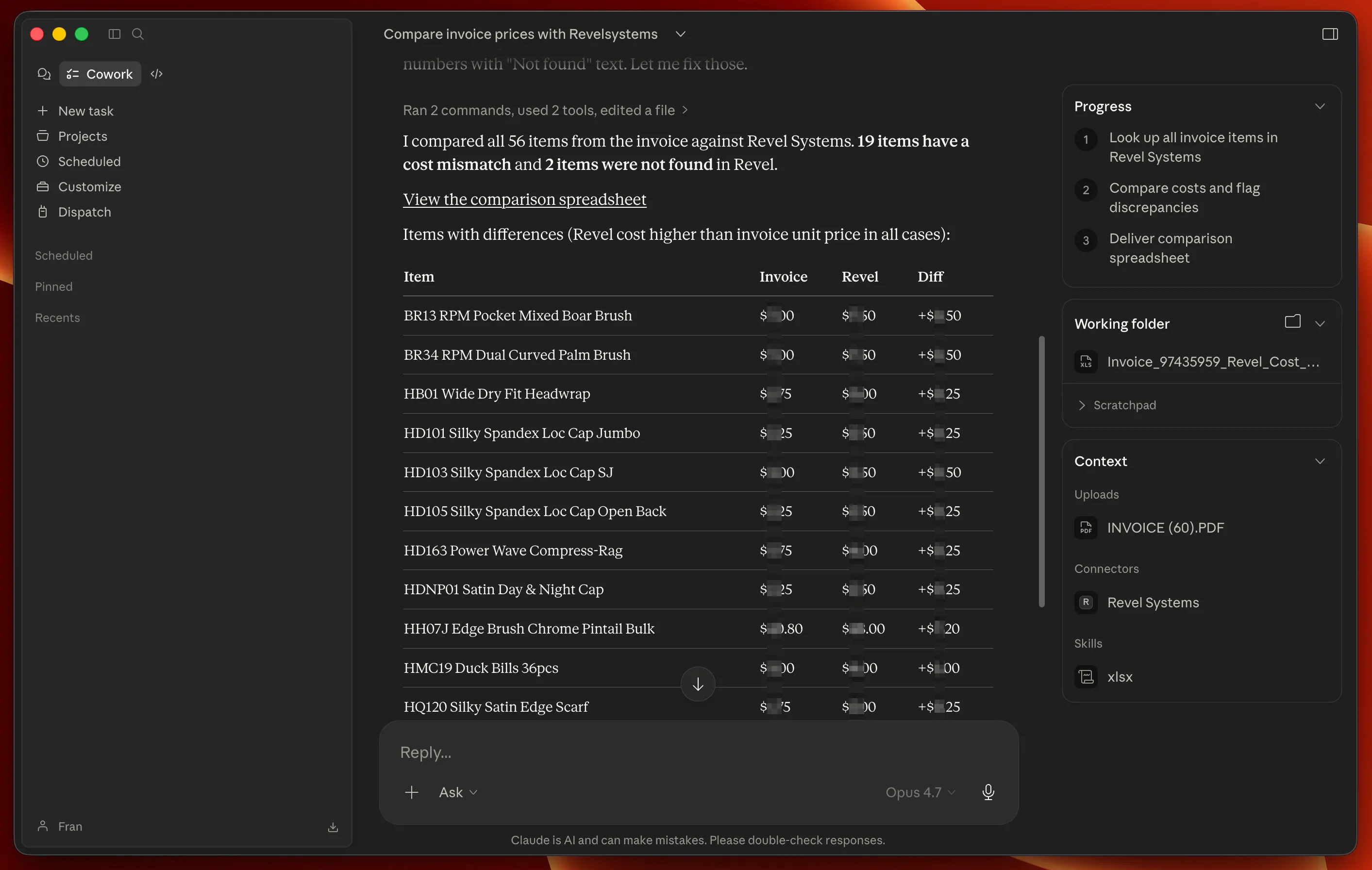
The intended workflow is end-to-end: supplier invoices arrive by email, Claude extracts the line items and new cost prices, and this MCP pushes the updates into Revel in a single batch. The model drives the whole thing; this project is the bridge between the model and the POS.
A narrow bridge between the agent and the POS
A narrow tool surface on purpose. Five tools covering product lookup and batch price updates, not a wrapper around the full Revel REST API. A narrower surface is easier to test, easier for the model to use correctly, and (most importantly here) safer against accidental writes to fields nobody asked for. Anyone who needs something outside the happy path can call the Revel REST API directly with curl; the MCP is not trying to be a general-purpose client.
A mock that shipped with the tests
There was no usable Revel sandbox at the start of the build — legacy API keys only exist against a real merchant account, and the client's credentials weren't in hand yet. Rather than wait, I wrote a FastAPI mock server that mirrored the relevant parts of Revel's Tastypie-style REST API, plus a pytest integration suite that drives the MCP server via stdin/stdout and asserts the raw HTTP contract (headers, query params, PATCH bodies) against the mock.
That let me validate the whole stack against the Revel documentation without waiting for credentials, and it now keeps CI fast and offline. When live credentials did arrive, only a handful of contract items needed adjusting. For instance, a data-integrity quirk in the client's tenant makes some products fail on PATCH for unrelated reasons, and the server now detects those and translates them into an actionable error.
A dry-run switch for safe onboarding
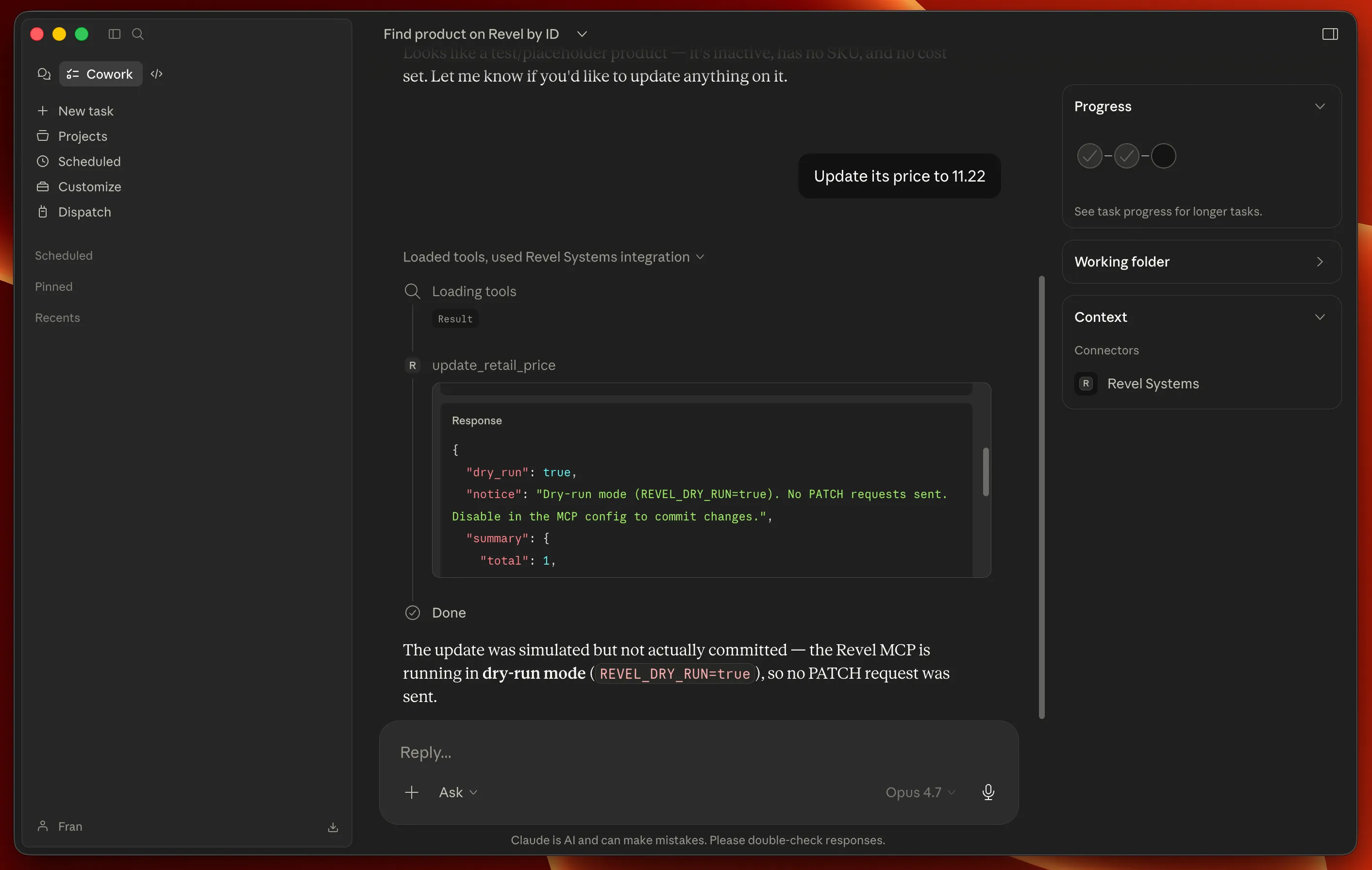
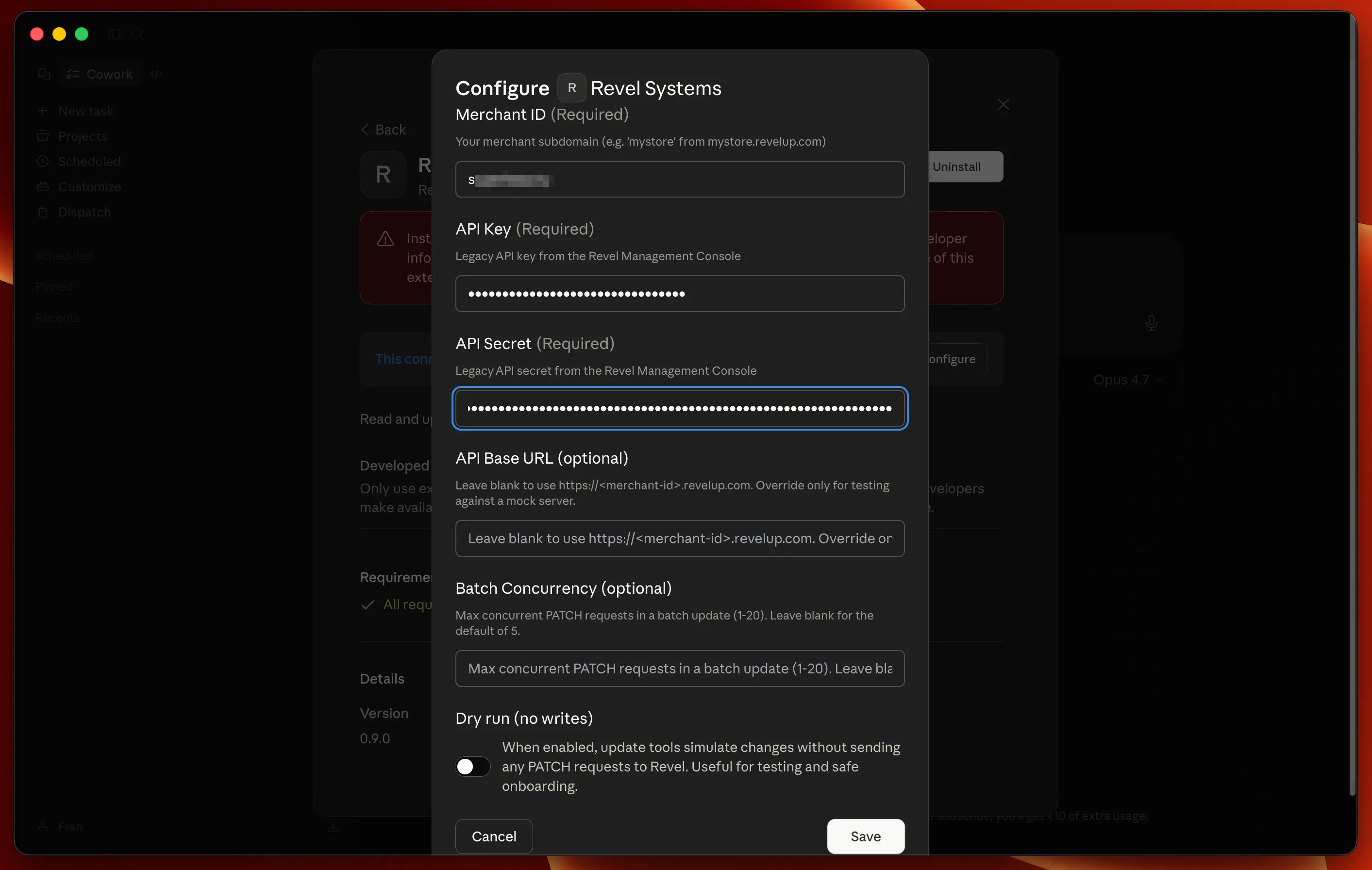
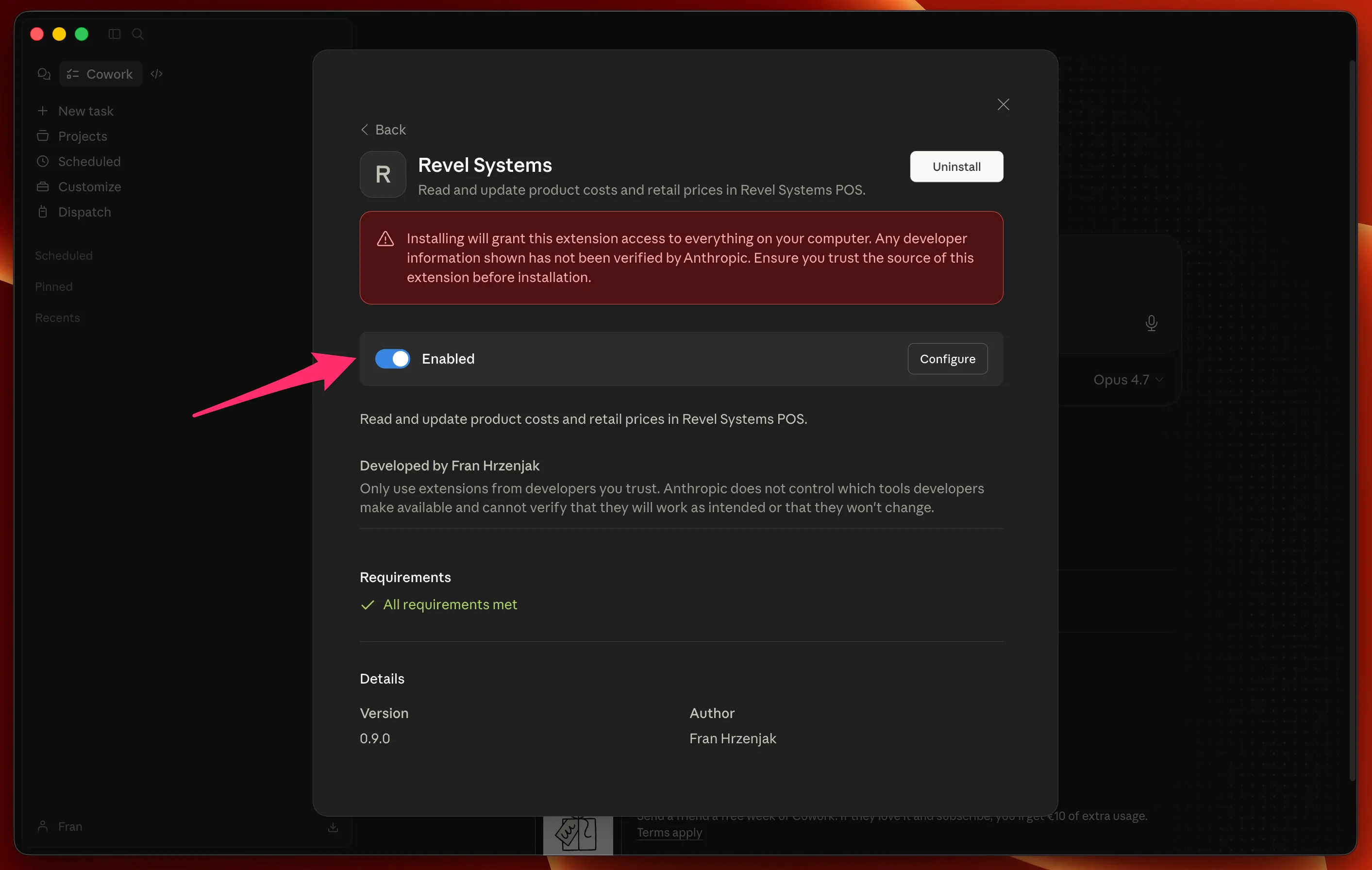
The installer exposes a "dry run" checkbox that makes every write tool simulate its result instead of hitting the API. A new user can install the extension, let the agent run through a realistic invoice, and verify nothing actually changed before flipping the switch for real.
What the MCP owns
| surface | covers |
|---|---|
| tools | 5 total · product lookup · batch price / cost updates |
| auth | Revel legacy API-key auth · scoped to the client tenant |
| safety | installer-level dry-run · per-product PATCH error translation |
| tests | FastAPI mock + pytest · stdin/stdout harness · raw HTTP contract |
| delivery | Claude Desktop extension with a one-screen configuration flow |