Danish Trade Council Business Event Platform
Originally the registration and matchmaking platform for the three-day Danish State Visit to Croatia (Oct 2014) — pivoted after the event into urbandanish.solutions, a reusable platform that went on to power 12+ Danish trade and matchmaking events across five countries from 2017 through 2021.
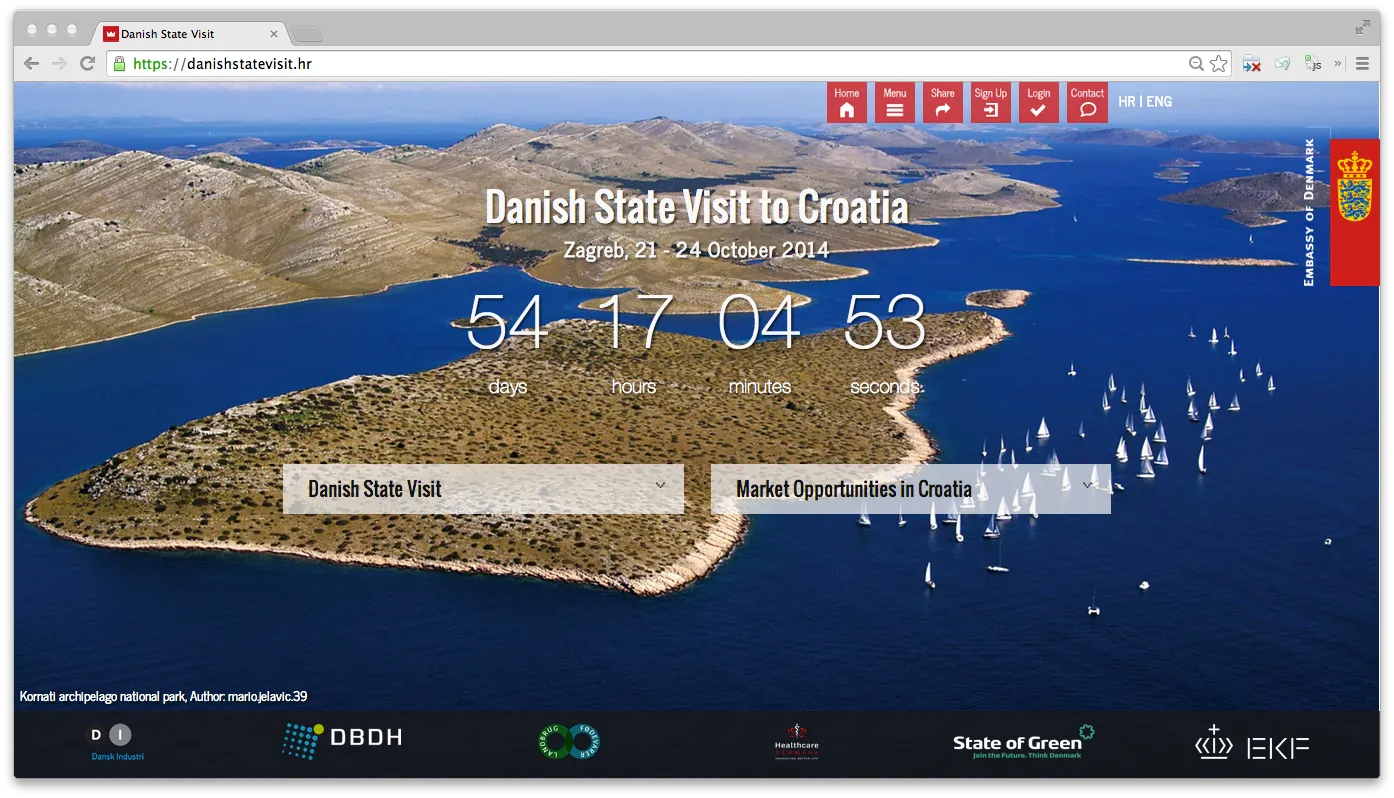
Built for three days, used for seven years
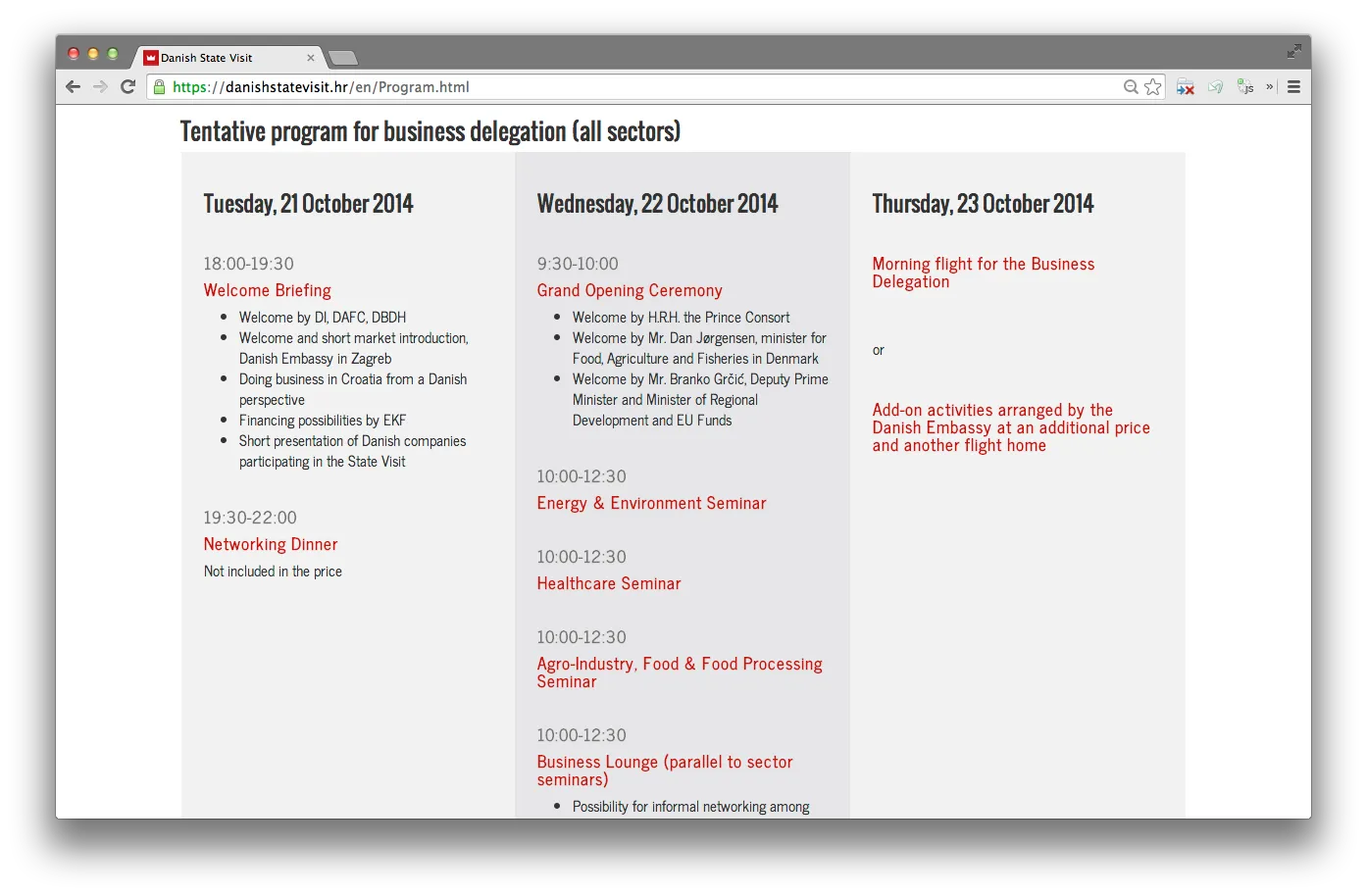
The brief was software for the Danish State Visit to Croatia — a three-day business event in Zagreb, October 2014, organised by the Embassy of Denmark. Danish and Croatian companies would register profiles, browse each other by sector, request tailor-made services from the Danish Trade Council, and follow a schedule of seminars, group events, and one-on-one meetings. Event software usually gets thrown away once the event ends; this one didn't.
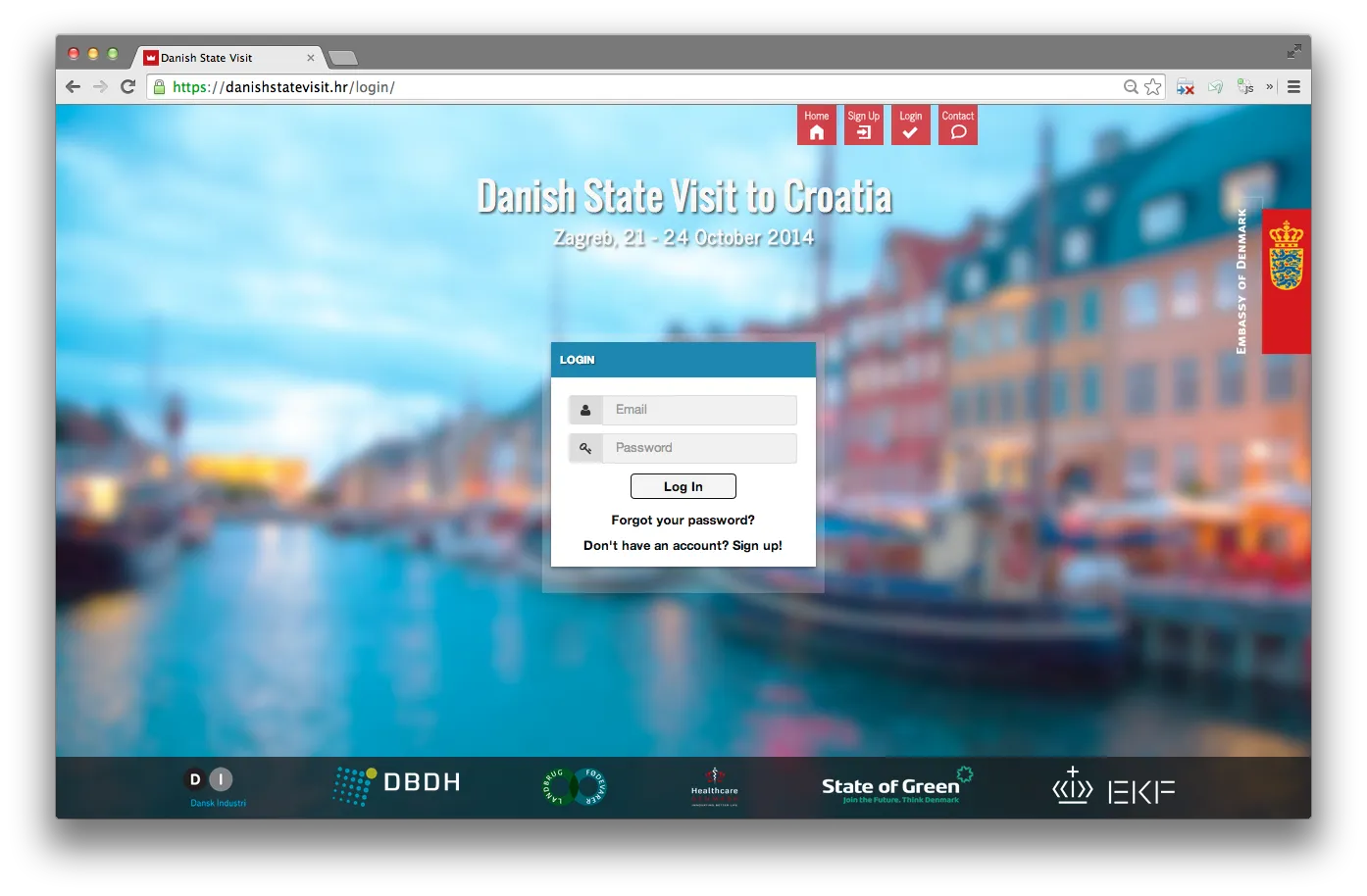
Browse, request, register
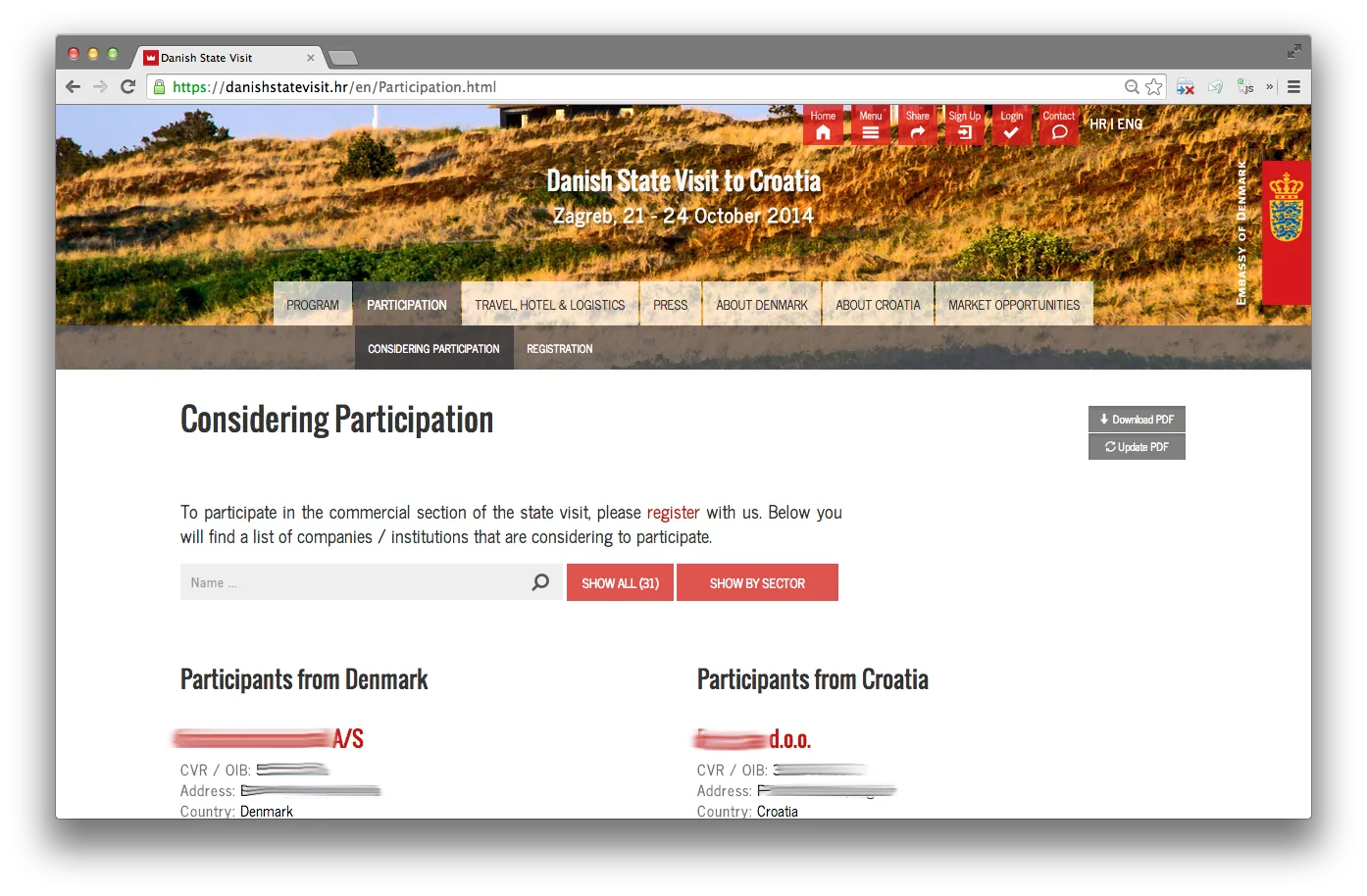
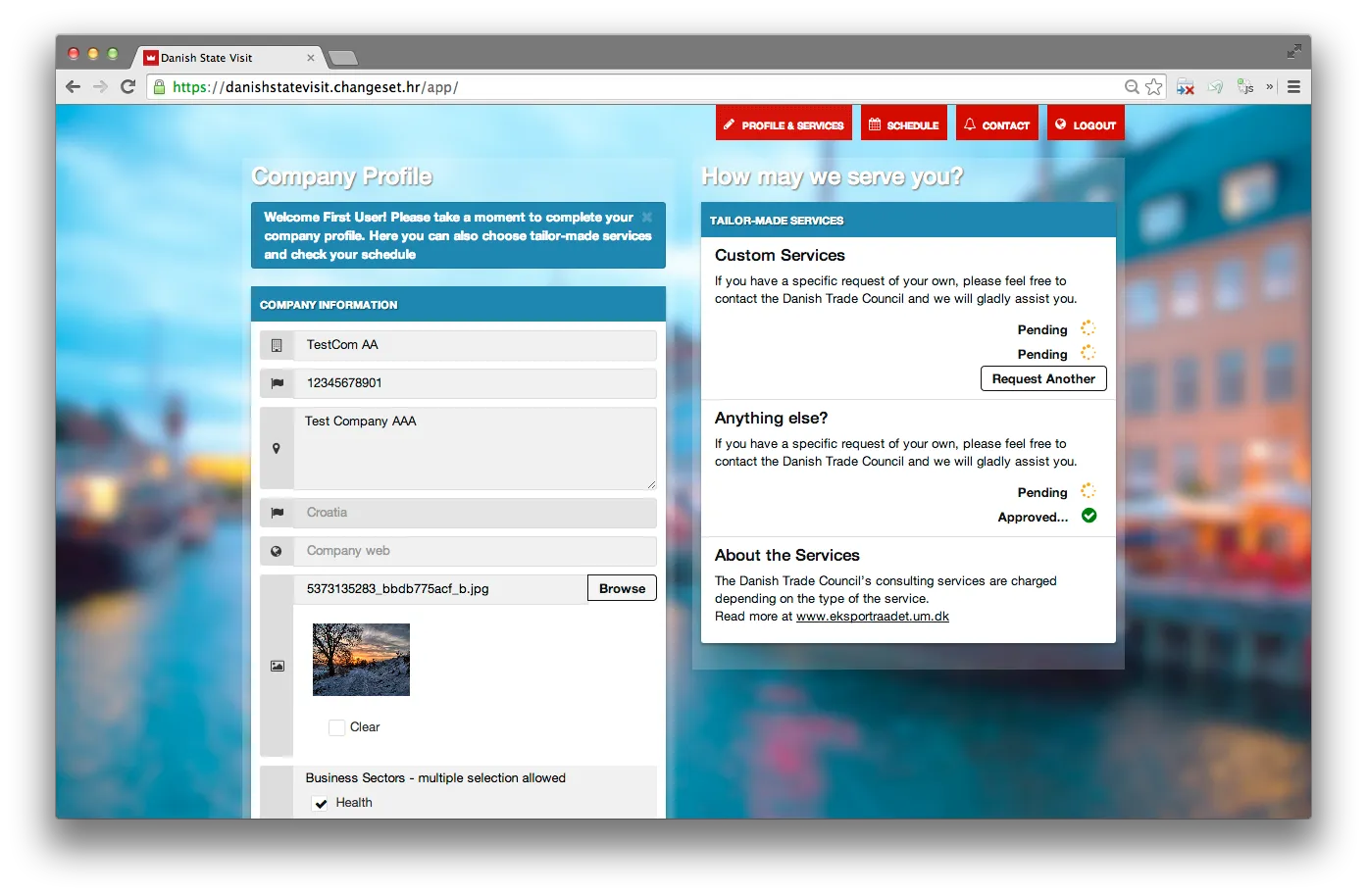
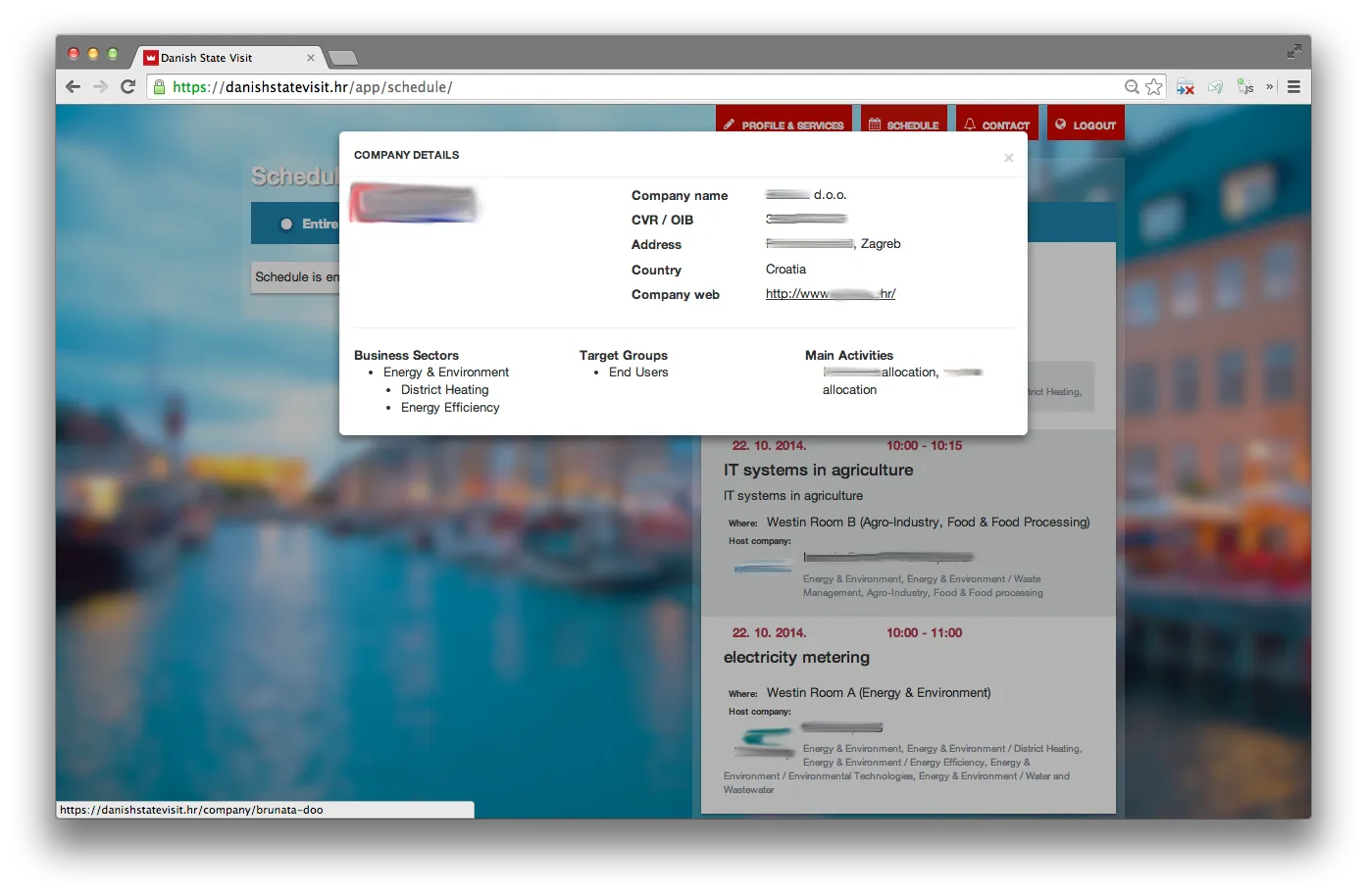
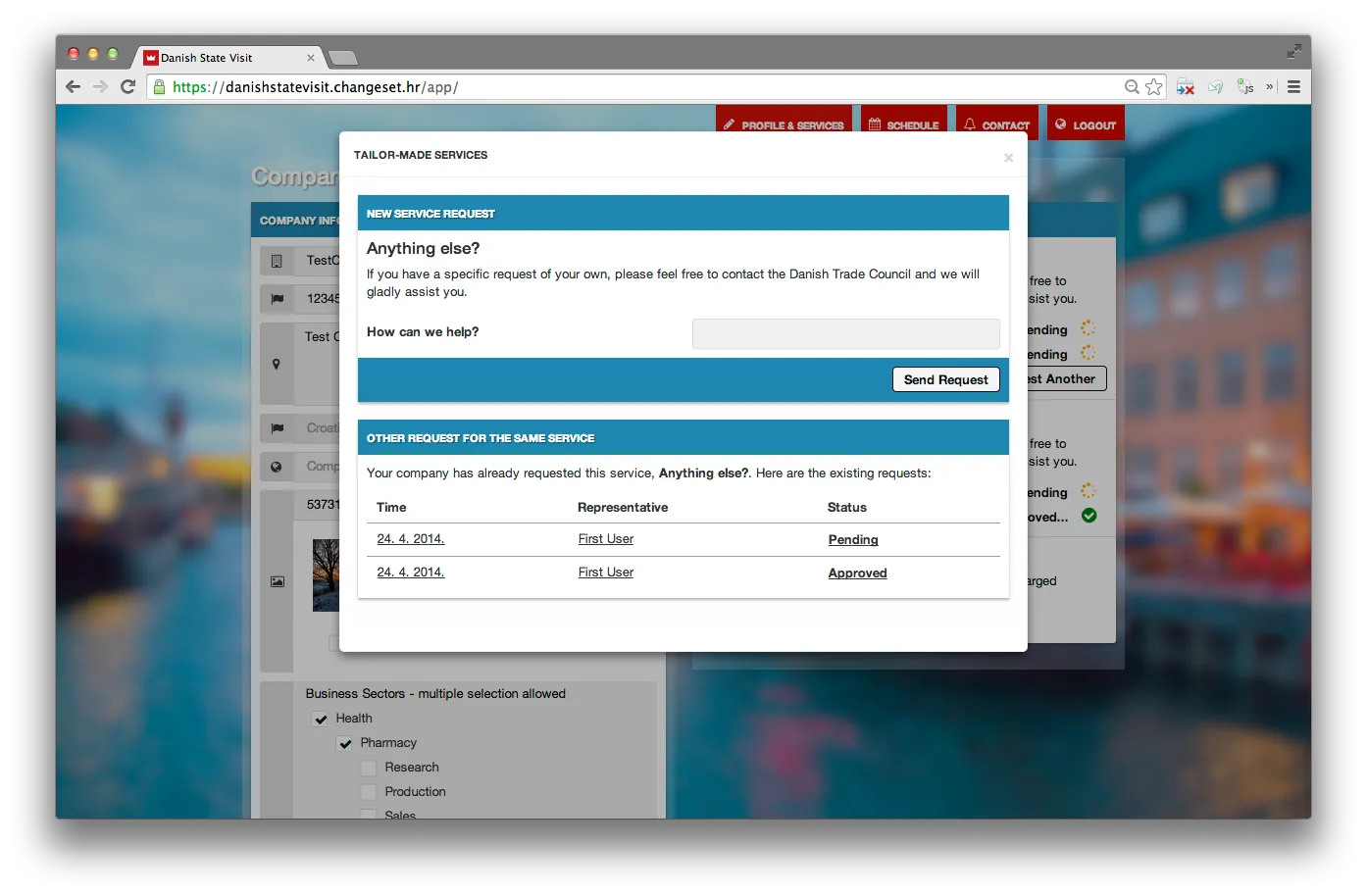
Companies signed up, completed a profile with business sectors and target groups, and could see the other side of the match — Danish companies saw Croatian ones and vice versa. From a representative's profile they could request tailor-made services from the Trade Council (business visits, sector-related meetings, extra representation, gala seats, targeted presentations) and watch those requests move through pending → approved states.
The user-facing app was responsive and built with progressive enhancement: every interactive view — company details, service ordering, profile editing — worked as a JavaScript popup when scripts were enabled, and as a plain standalone page when they weren't. Register, login, forgot-password, profile, service requests, and a schedule viewer with room and time filtering all shared that dual shape.
Where most of the work actually lived
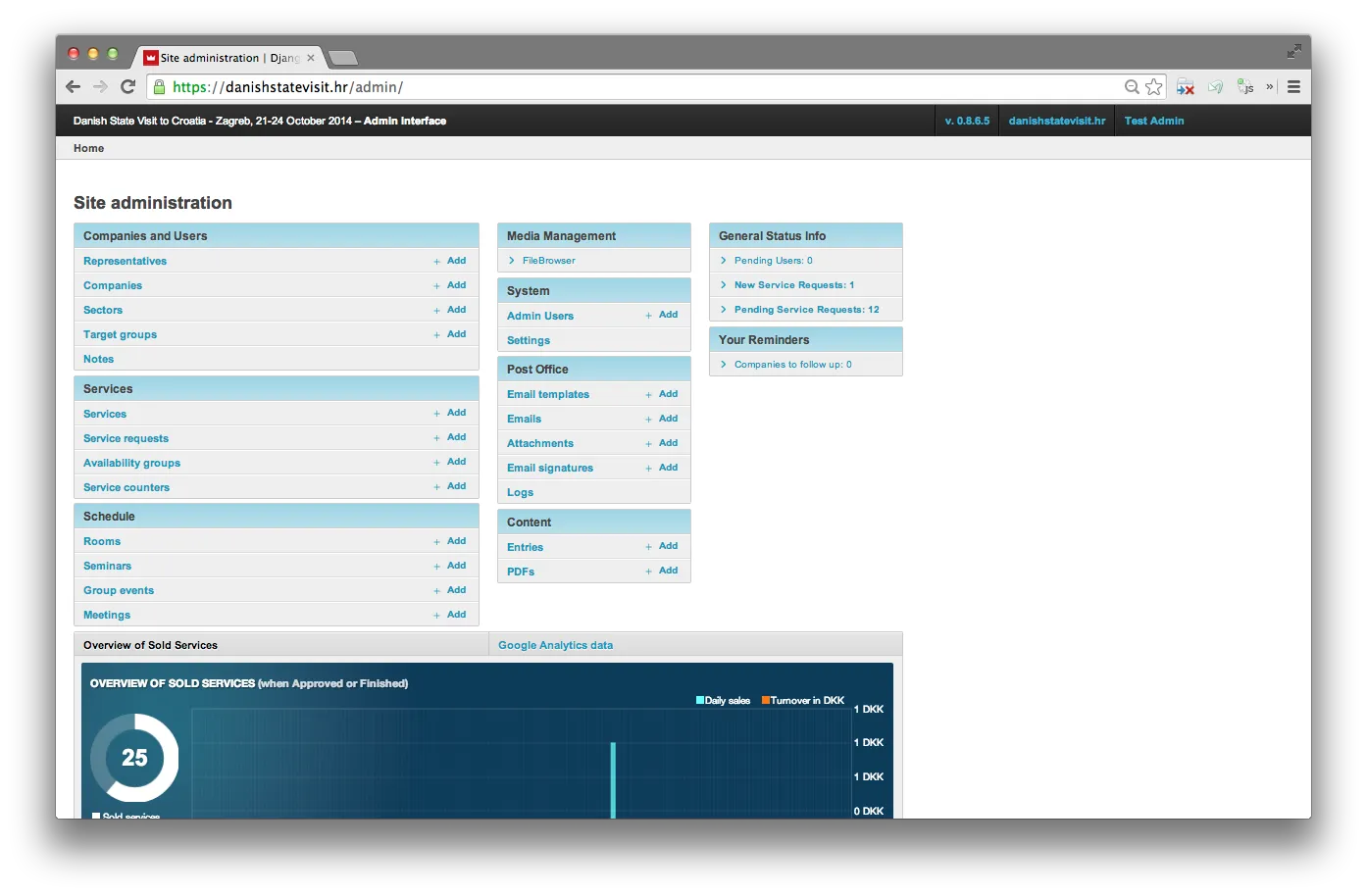
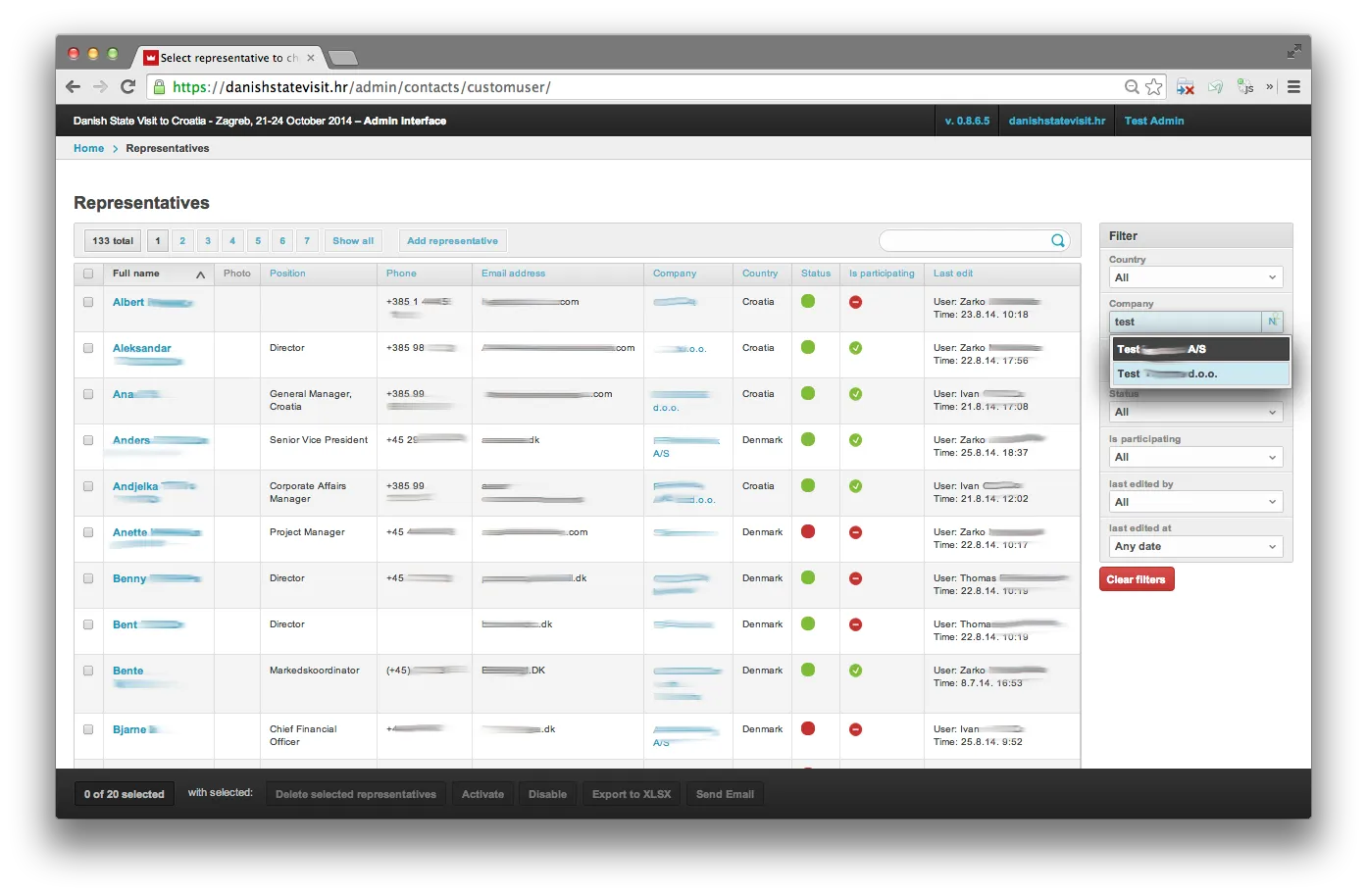
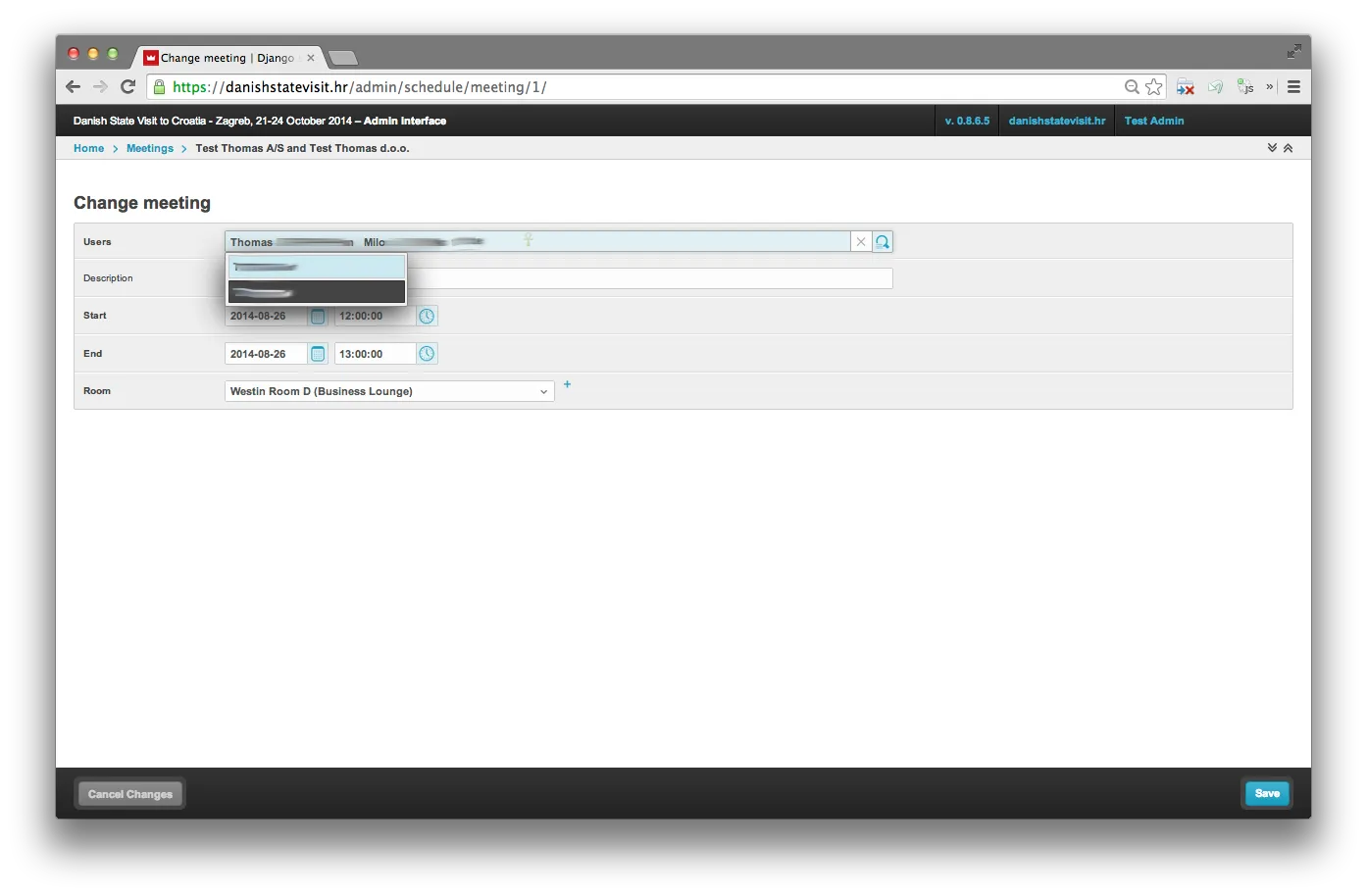
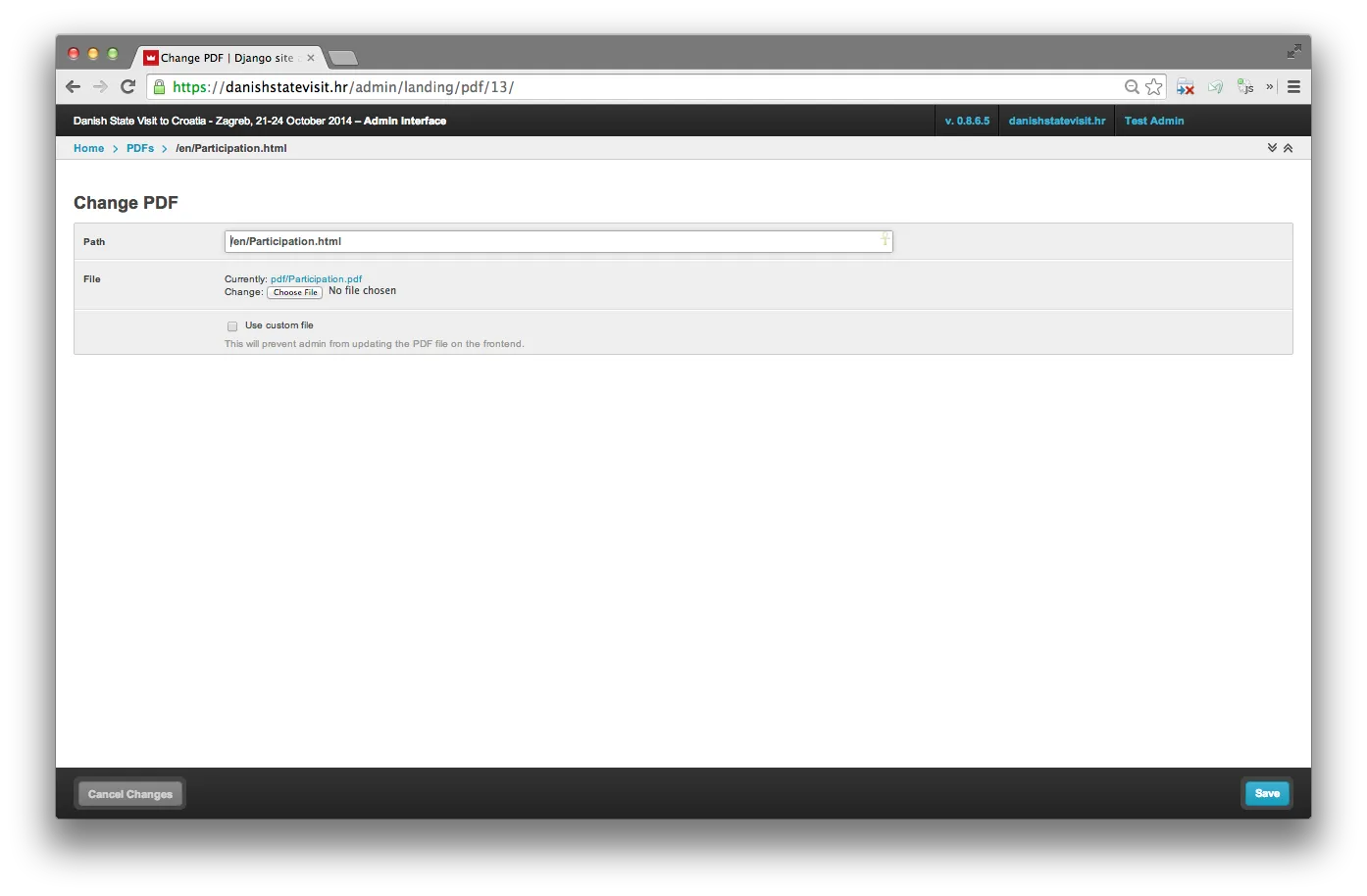
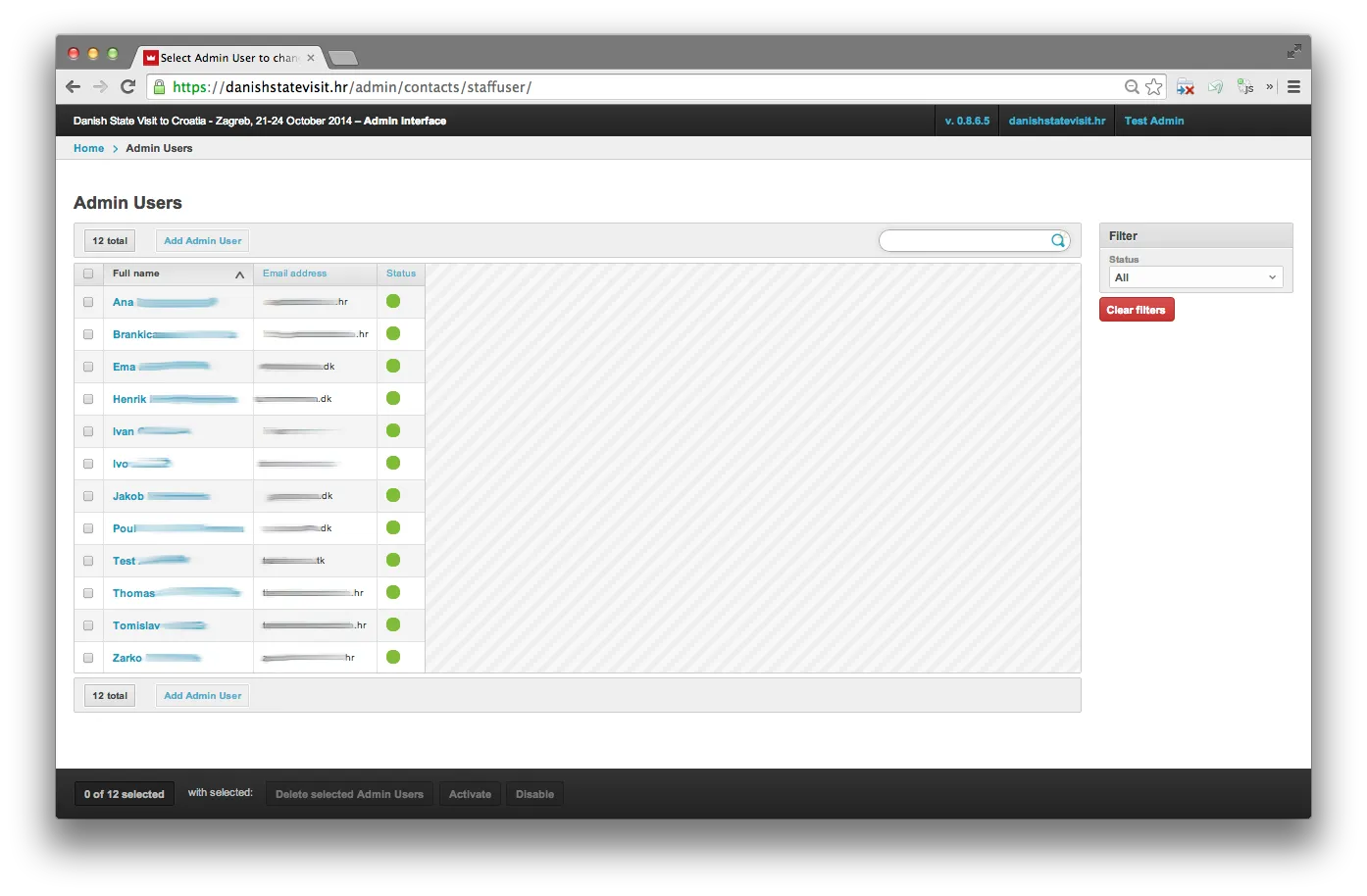
The user-facing site was a few screens. The admin was a control centre. Organisers managed companies, representatives, business sectors, rooms, schedules, service requests, service counters, content pages, PDFs, and emails from one place — and every detail had a handle.
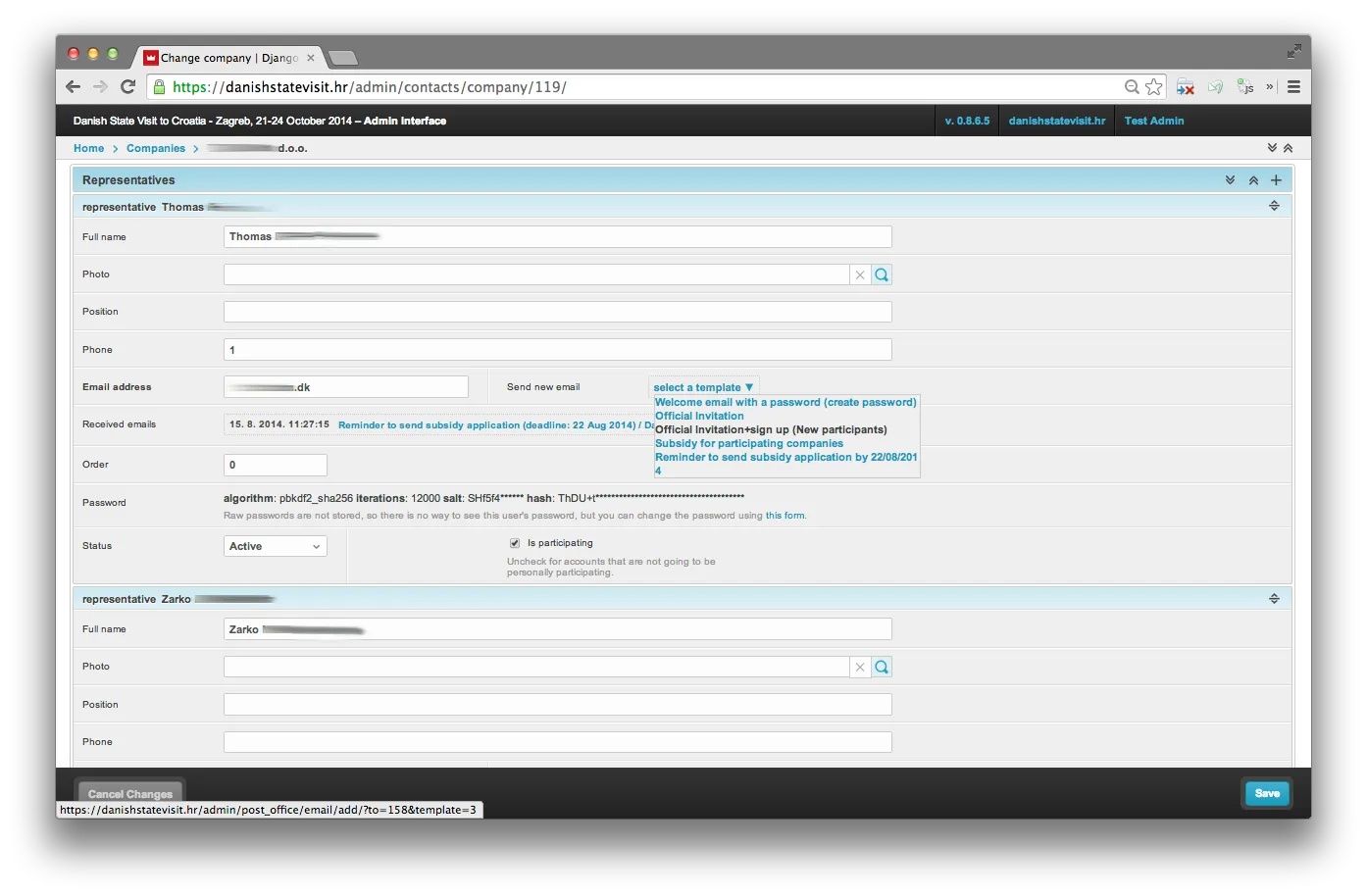
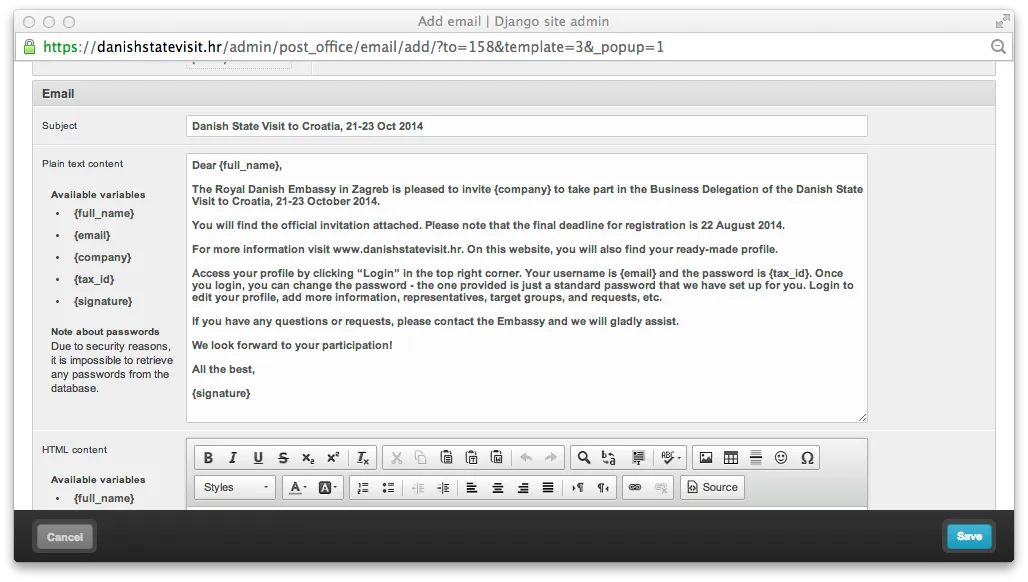
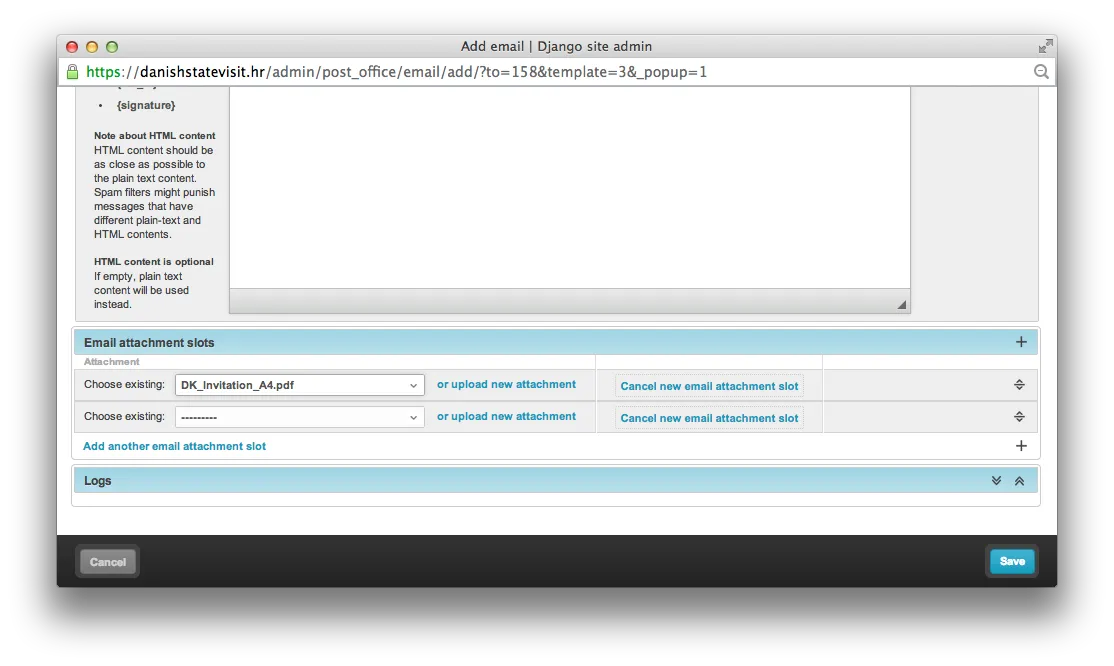
Templated emailing inside the admin. Email templates with variable substitution ({full_name}, {email}, {company}, {tax_id}, {signature}), HTML and plain-text variants kept in sync, reusable attachments, a post-office log of what was sent, and a send new email dropdown on a representative's detail page that picked the right template pre-addressed to them. Invitations, reminders, subsidy applications — all triggered from the same place the data lived.
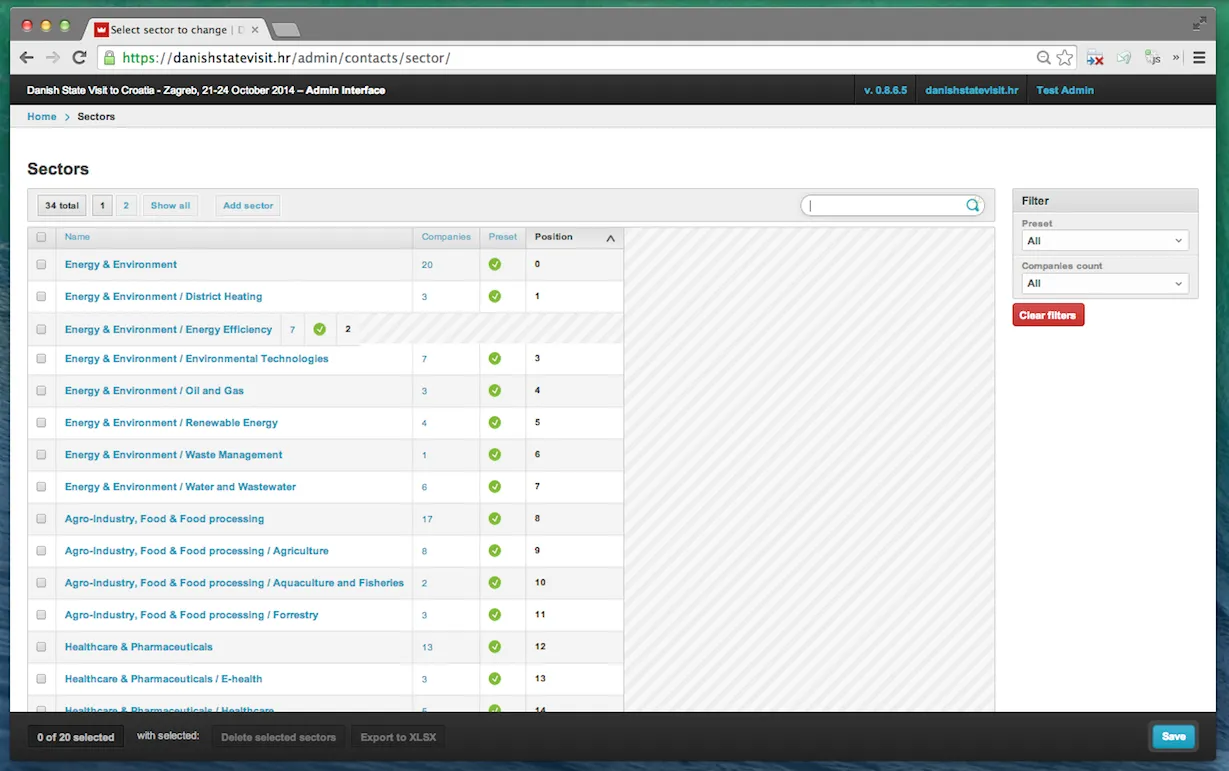
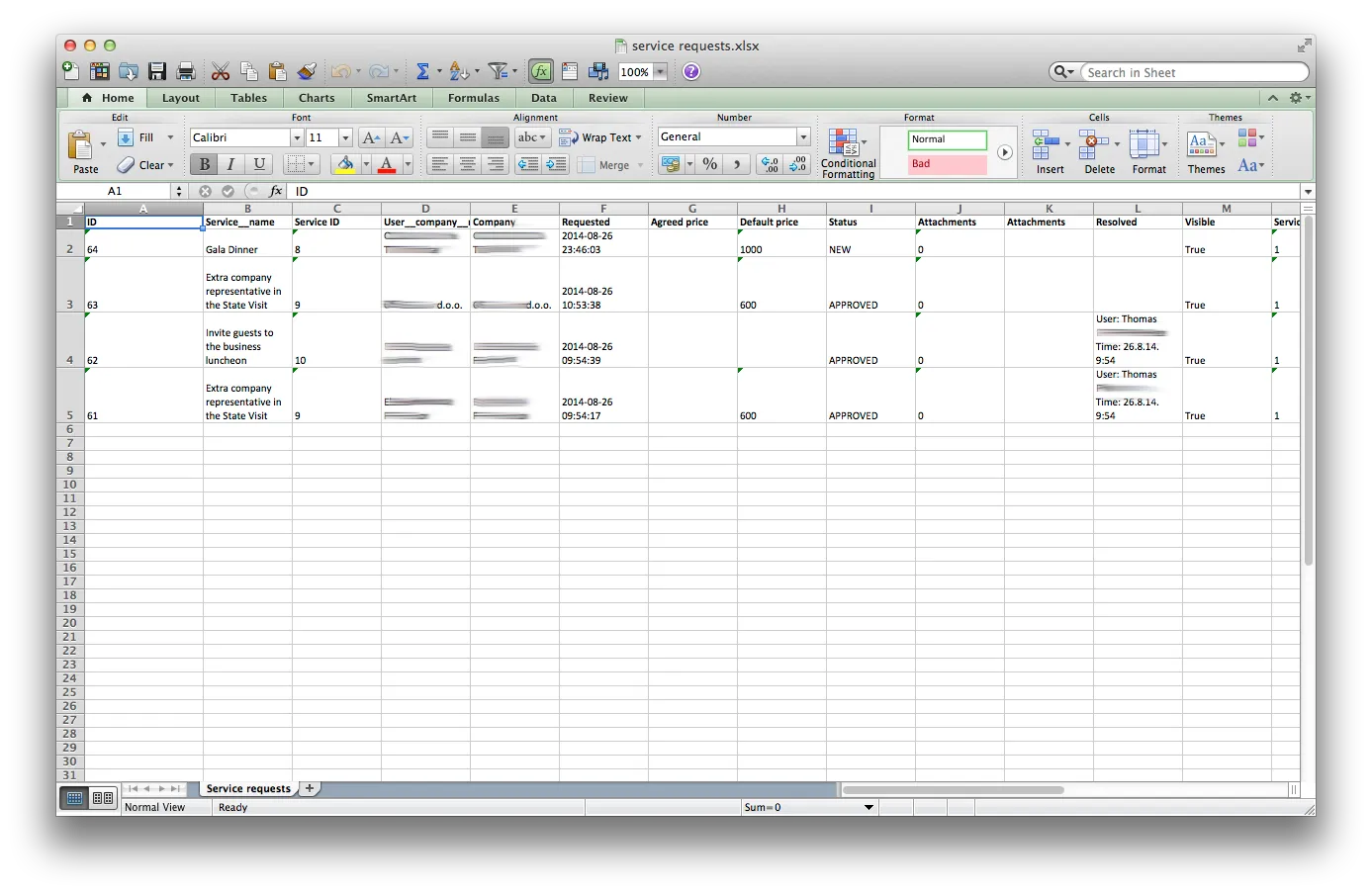
Bespoke admin details that add up. Drag-and-drop reordering for the sector hierarchy. Autocomplete filters on list views (by company, recipient, author). Color-coded status fields. Hover-to-reveal extra info. Custom mass actions. XLSX export (not CSV — the event team used Excel). A dashboard with tabbed sales / analytics graphs, a live overview of sold services, and pending-approval reminders in the sidebar.
Branded PDFs and XLSX, on demand
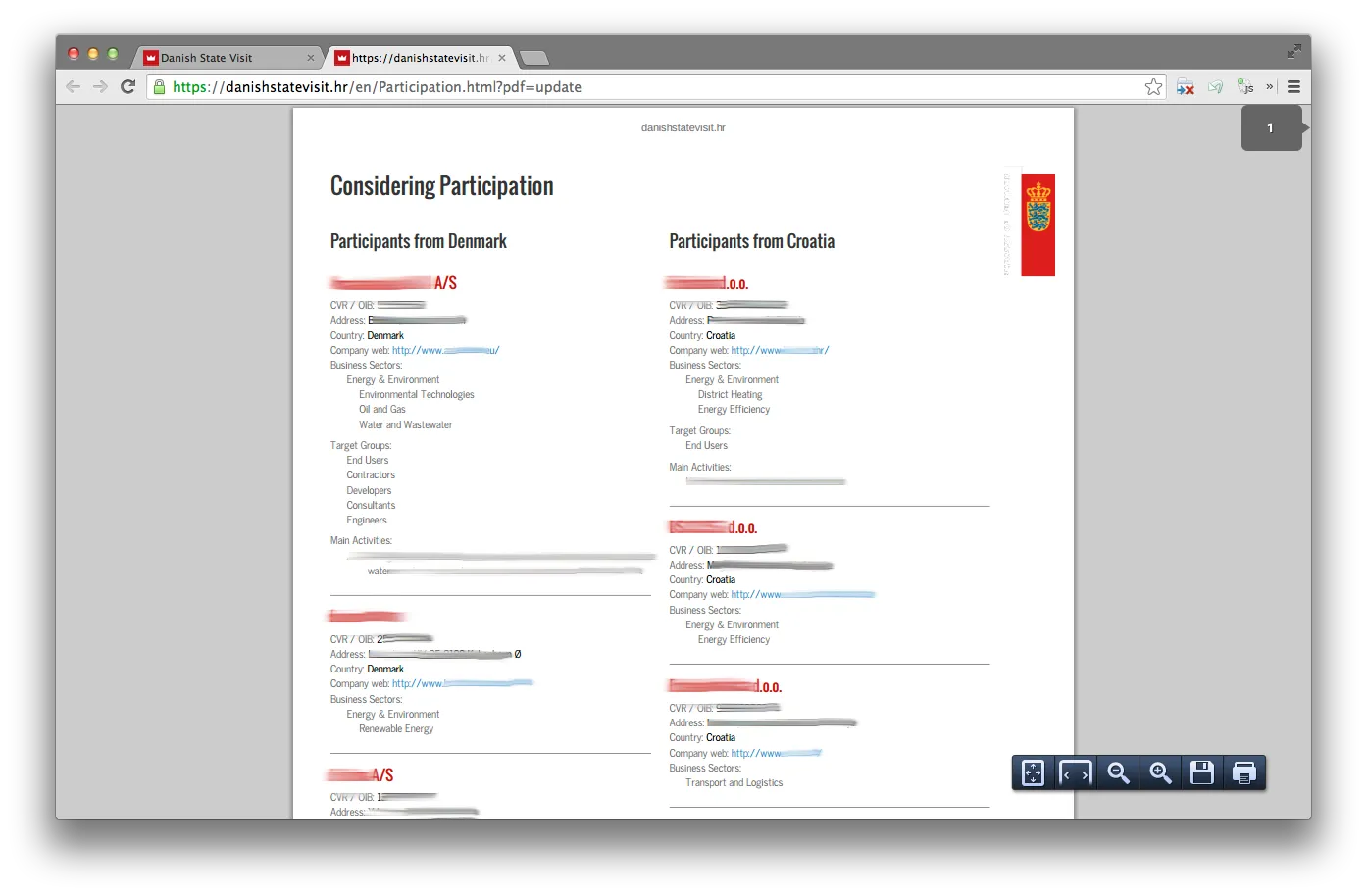
Participant lists, programme pages, and similar documents could be downloaded as branded PDFs generated on the fly from current data via a third-party rendering service. The admin let operators edit the underlying page structure and, when needed, override the generated PDF with a hand-finished custom file — a one-click escape hatch for the cases where the automated render wasn't quite right. Data exports used XLSX rather than CSV because the event team worked in Excel; exports kept formatting that matters (amounts, statuses, dates) readable on arrival.
One-off event → reusable platform
After the state visit ended, the codebase didn't. It became urbandanish.solutions, a reusable platform the Danish trade network kept turning to for subsequent matchmaking events. From 2017 through 2021 the same codebase ran a dozen or more events across five countries — Croatia, Slovenia, Kosovo, Albania, Montenegro — covering smart cities, water, health, waste, agriculture, and island sustainability.
The reason it pivoted was mostly the admin. The investment in templated emails, flexible sector hierarchies, service counters, PDF pipelines, and the data exports is precisely what let the same code hold up under a new client, a new country, and a new vertical without a rewrite. The pretty front-end had to be re-skinned; the guts came along unchanged.